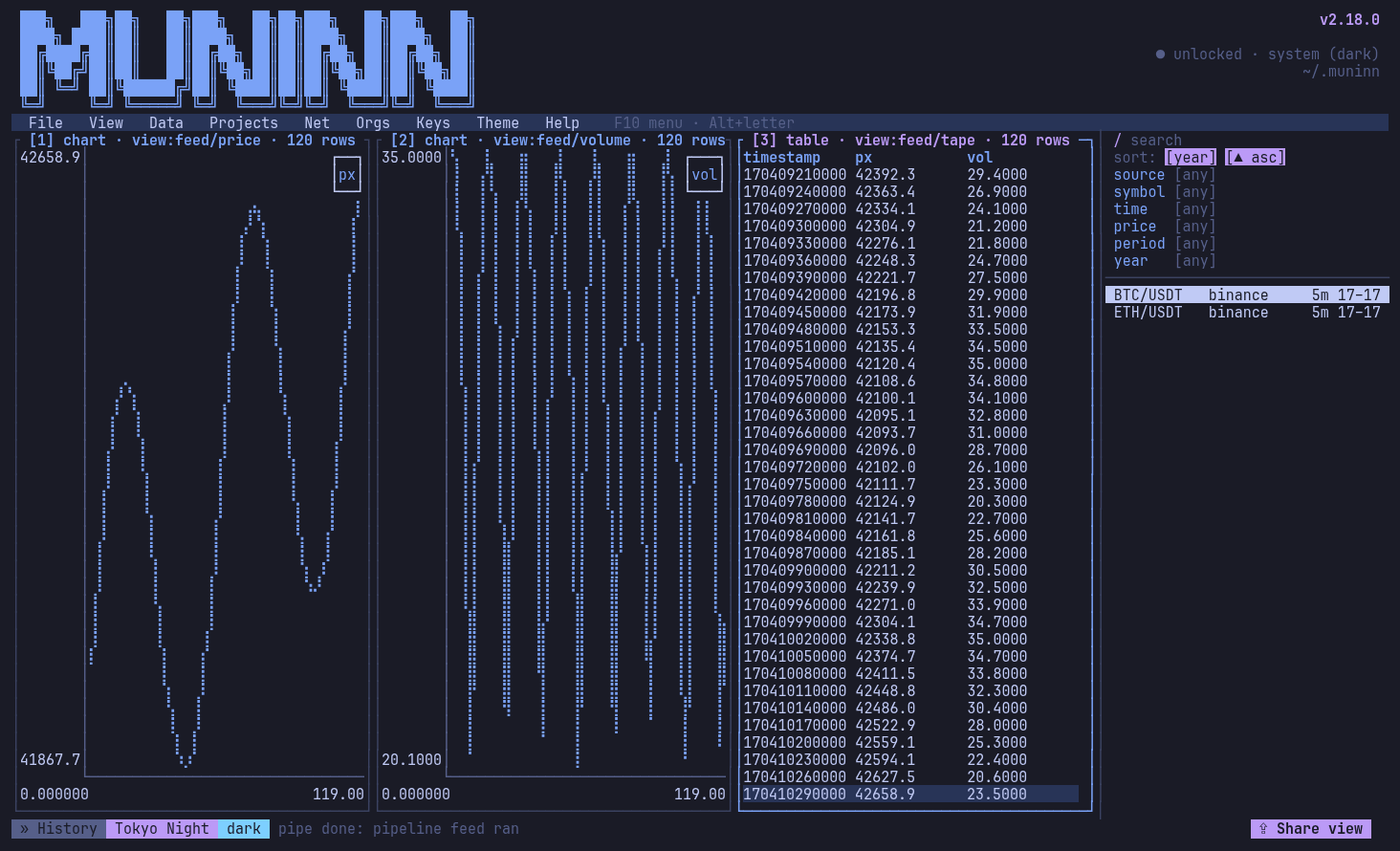
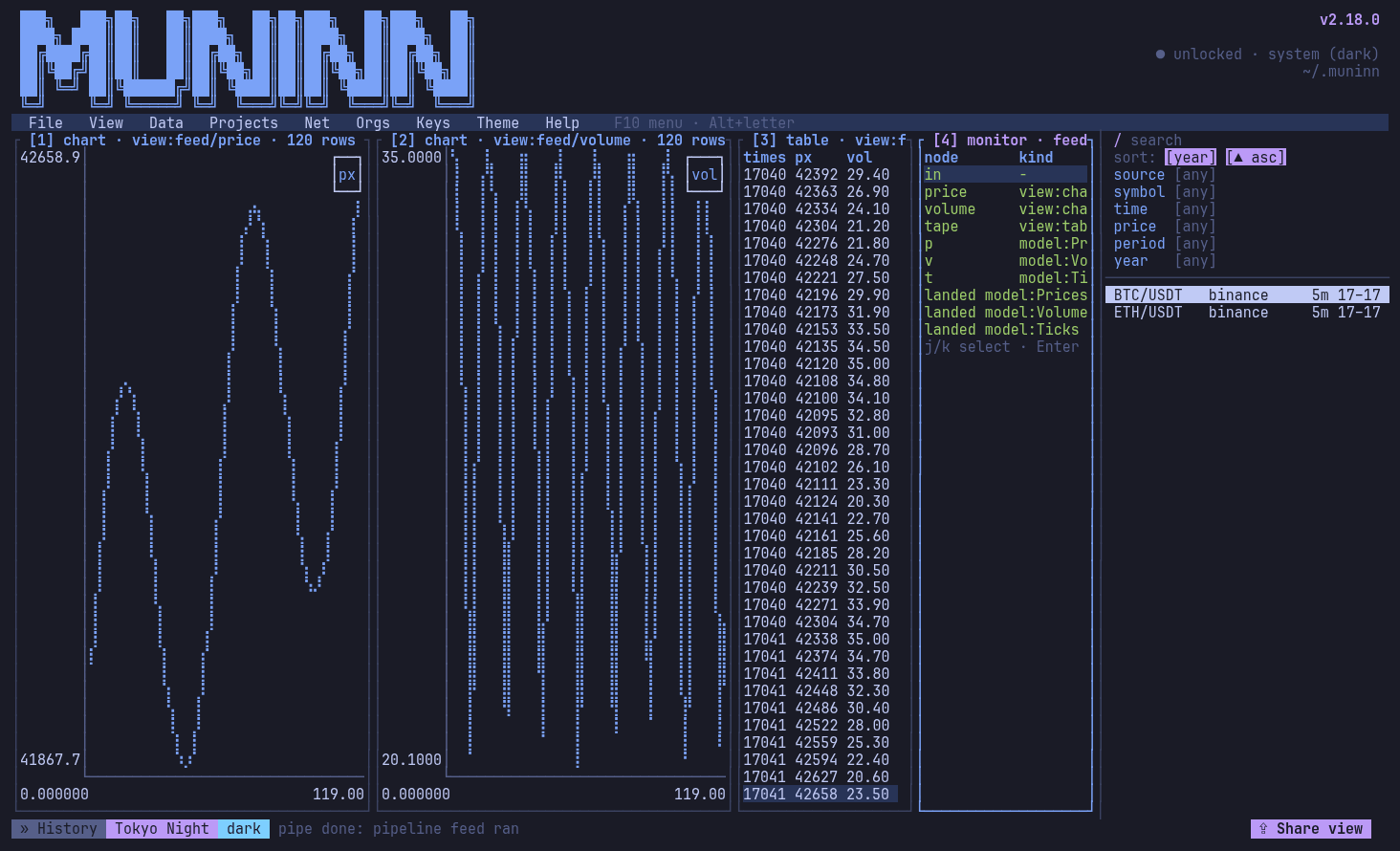
cat ticks.csv | mnnn pipeline run feed -: three views as three live columns

A local, encrypted workbench for market data: ingest, search, journal, model and share, in a terminal UI and a CLI.

Encrypted and local

A SQLCipher database under an envelope key scheme. Nothing leaves your machine unless you share it.

Ingest anything

CSV, JSON, HTTP APIs, Redis, SQLite, Postgres and standard input, as structured data.

Live searches, journals, reports

Saved questions that rerun on new data, notes beside the charts, reports exported to PDF and Docx.

Models and code spaces

Design model tables, then run math, Polars, Rust or Python over data piped through them.

Pipelines

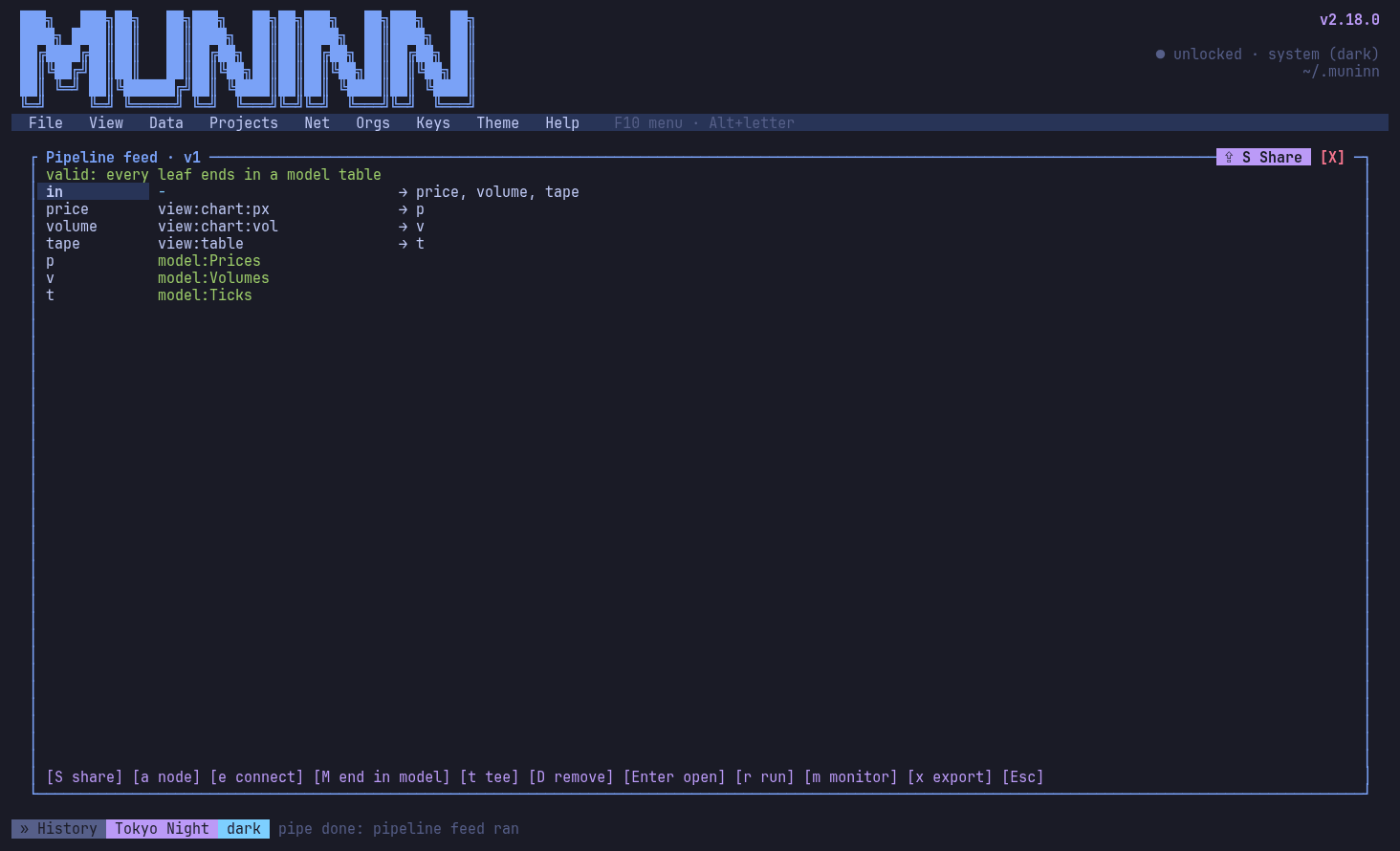
Graphs of sources, code, views and filters ending in model tables, watched live in tiles.

Rules and schedules

If this happens, do that, or every 6 hours: exports, entries, records, certificate checks.

Organizations

Members, roles and a hosted site with your own domains and Let's Encrypt certificates.

Peer to peer

Your nodes sync end to end encrypted; share and review with connections, no server needed.

Screenshots

Every view in the TUI, rendered from the app itself by scripts/screenshots.sh.
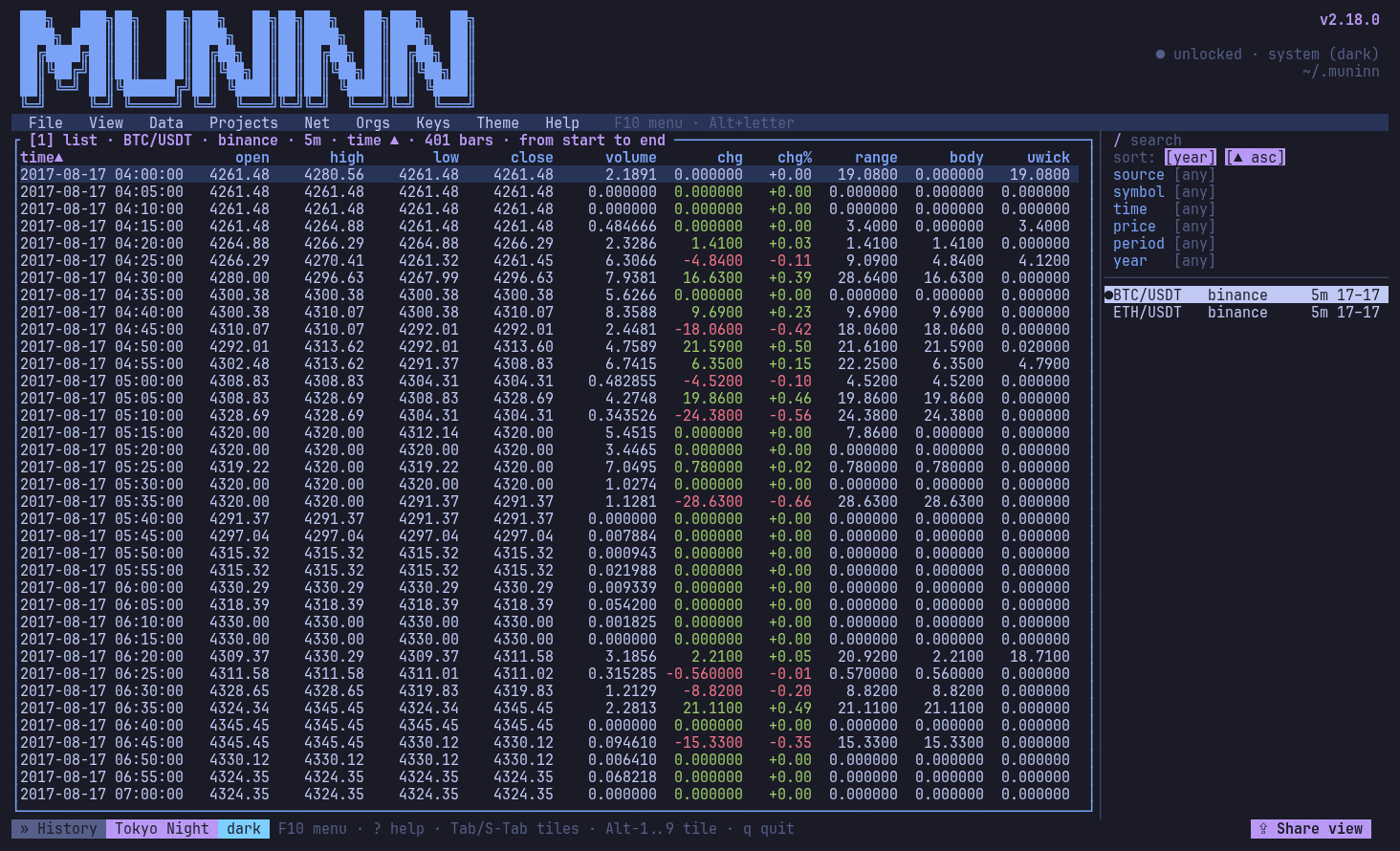
Home: every series in a list, the header with the node's status
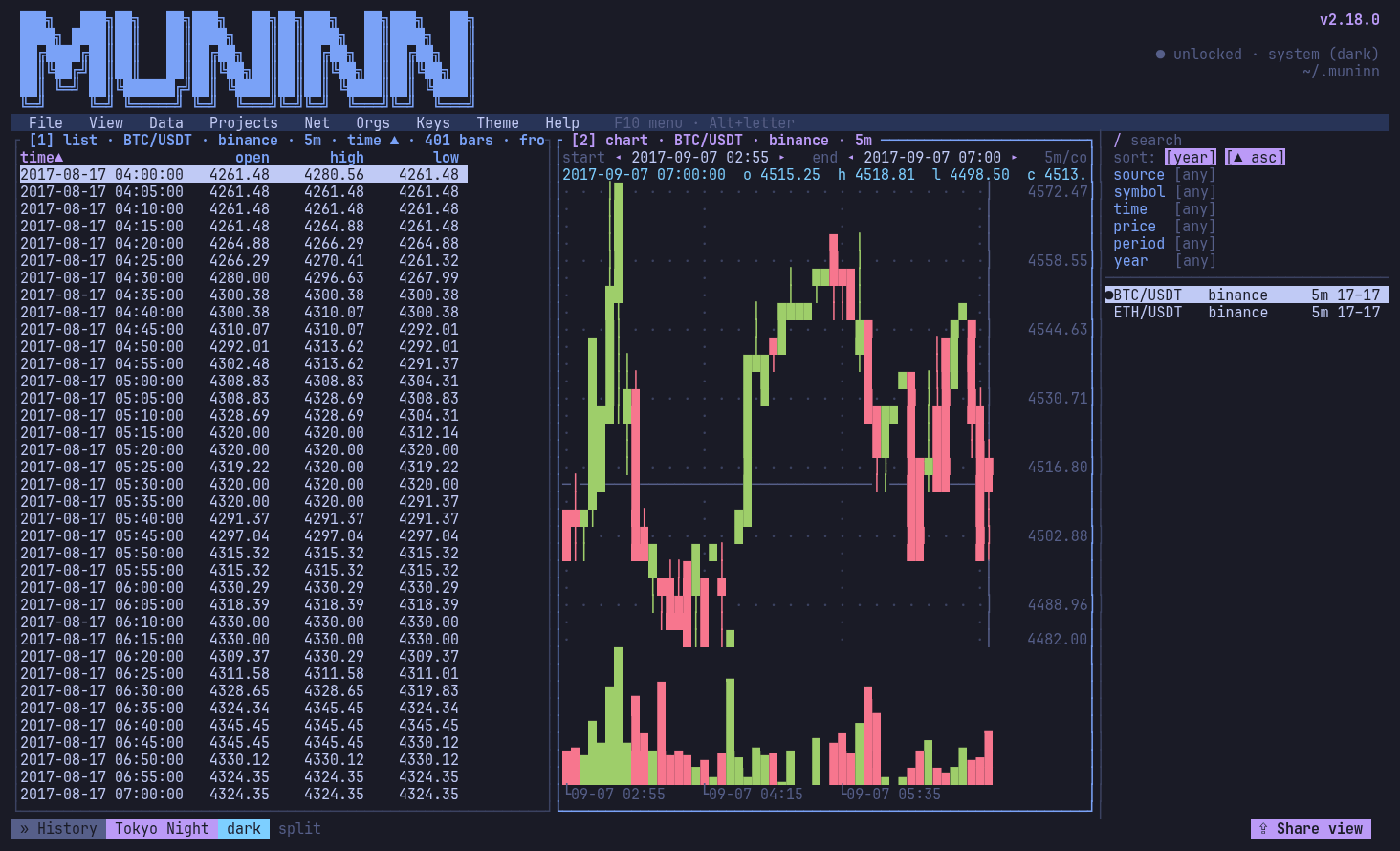
A chart tile beside the list: ETH/USDT 5m candles in the Muninn theme
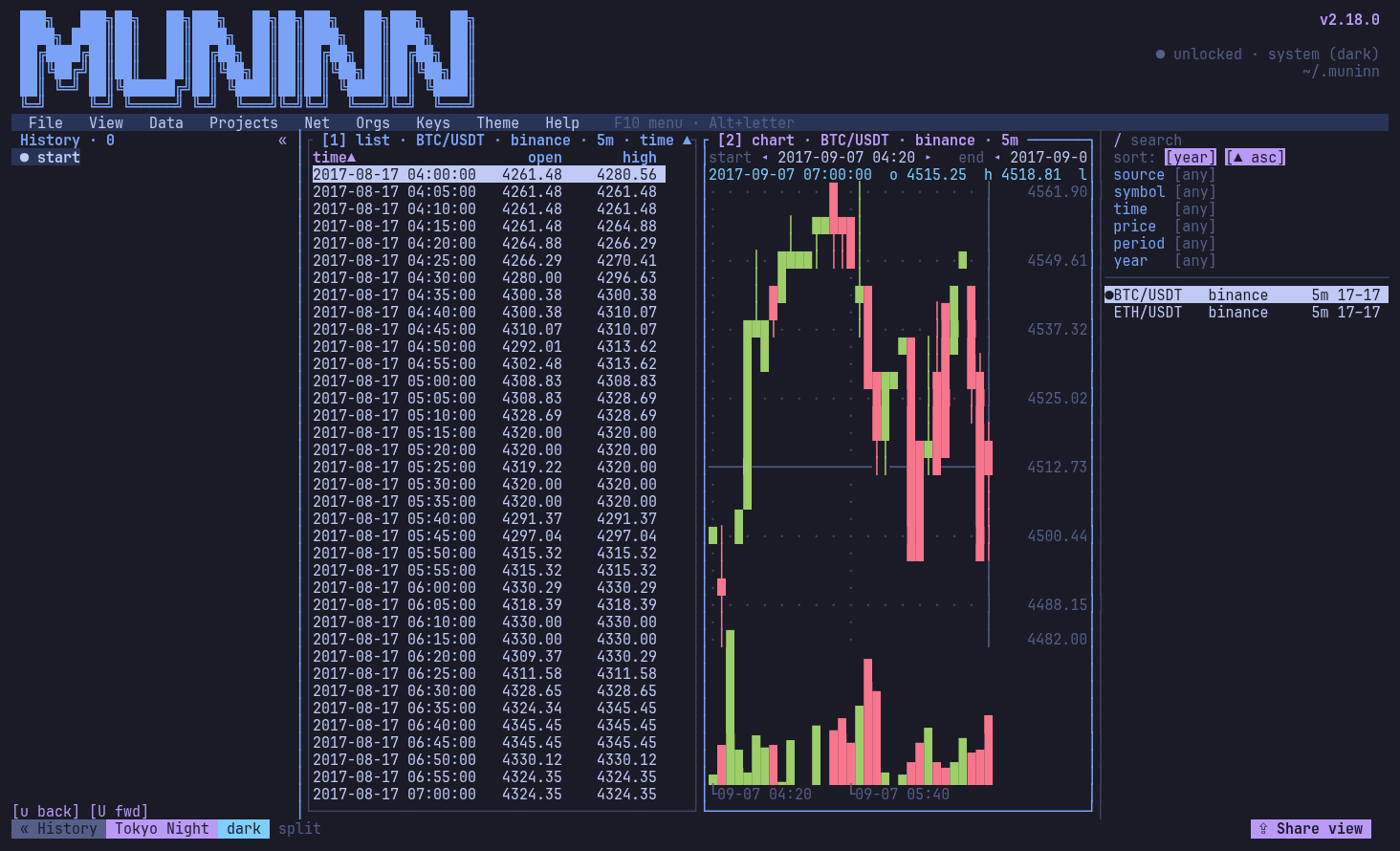
The action history bar: every step, forks kept, step back and on
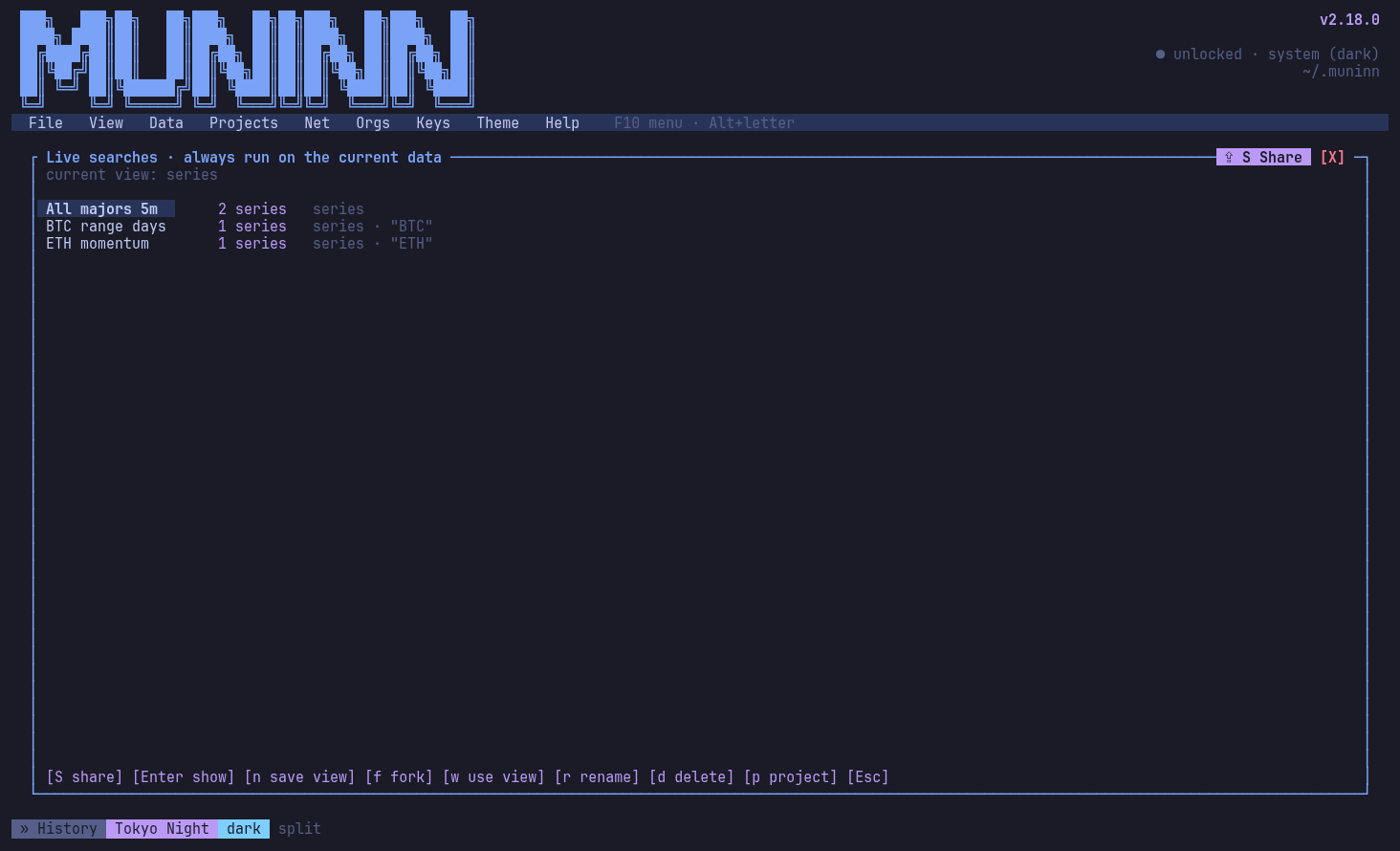
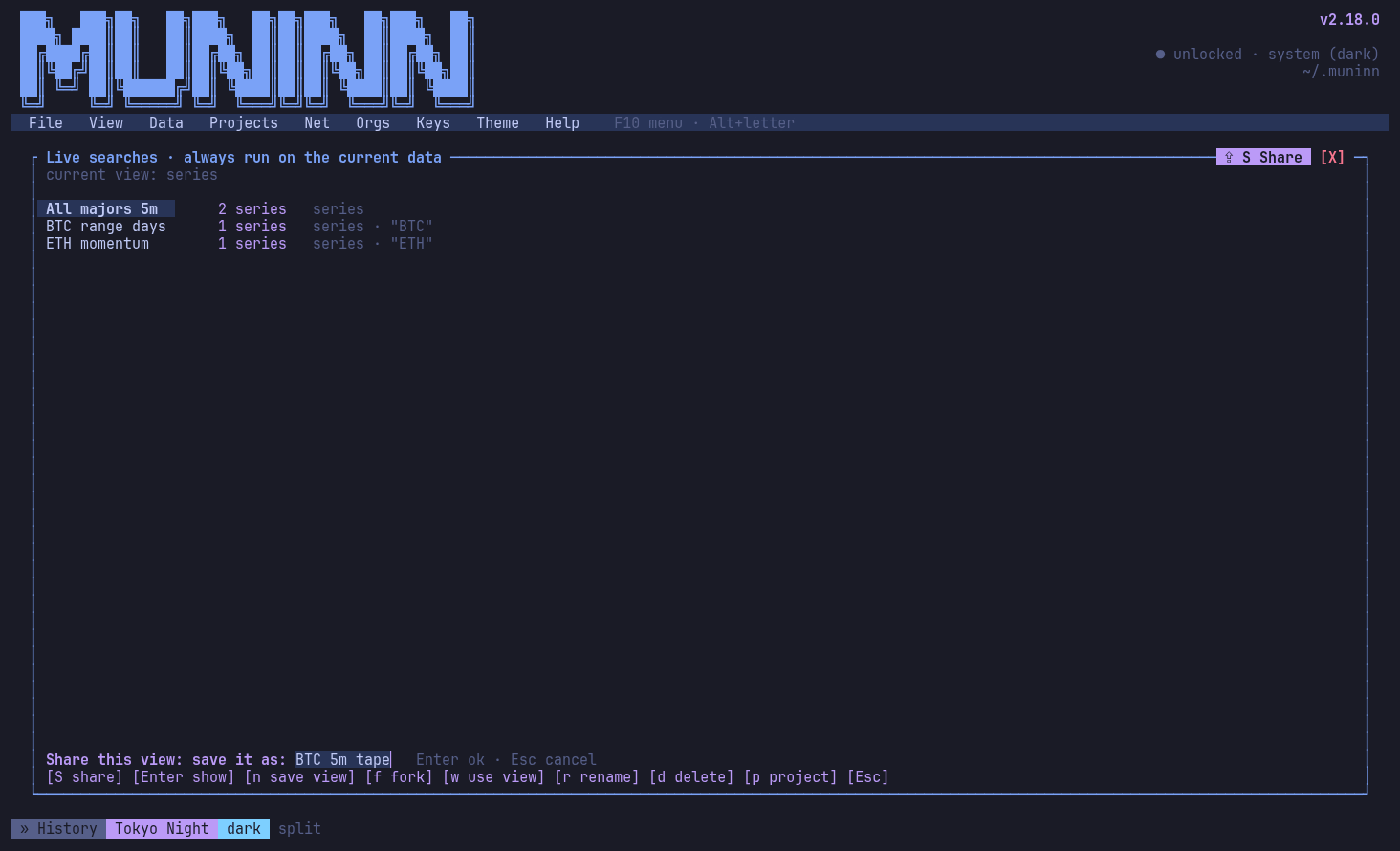
Live searches: saved questions that rerun on new data
Share view, mid-action: saving the view as a live search
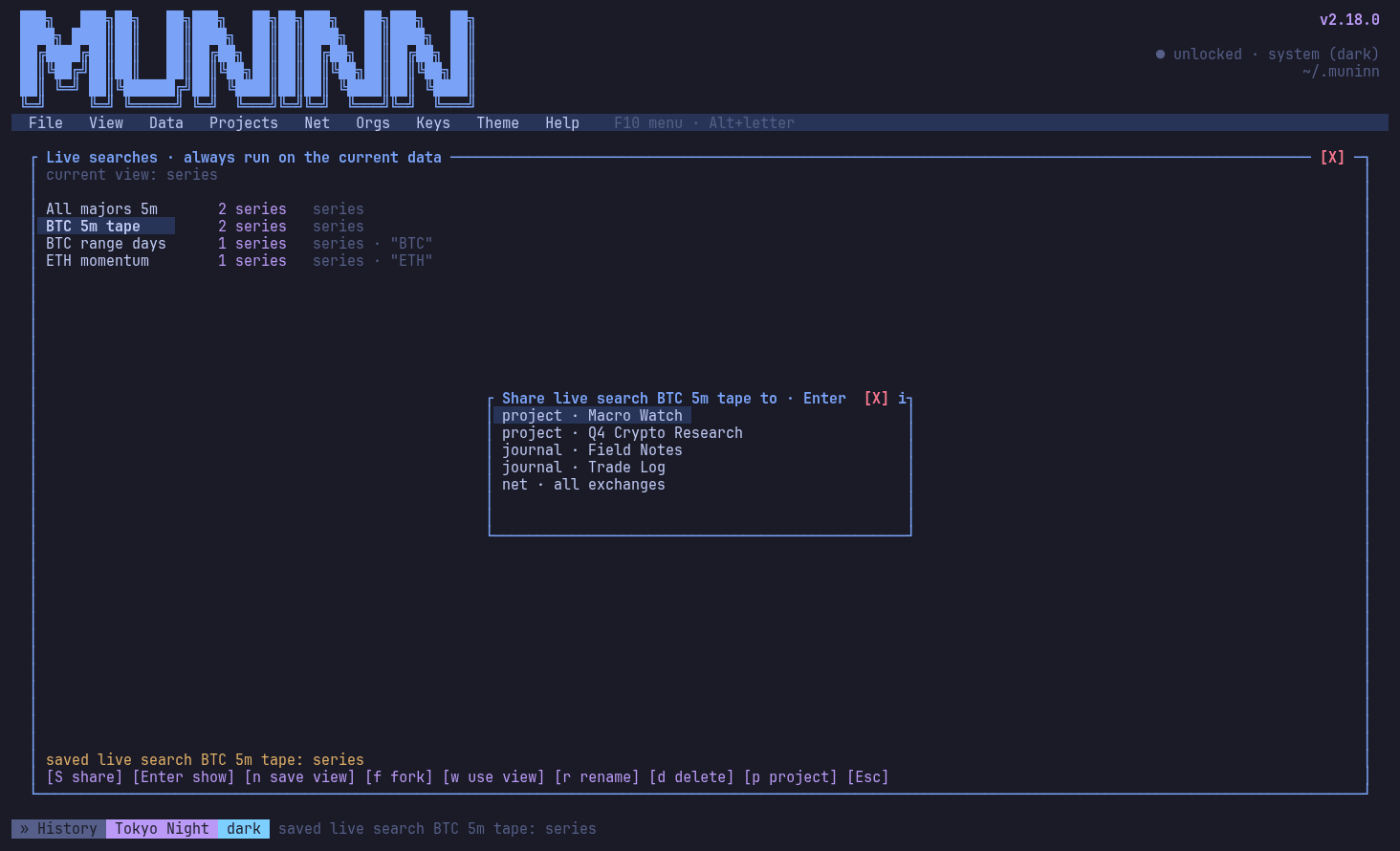
Share: pick where it goes (a project, an org, a connection)
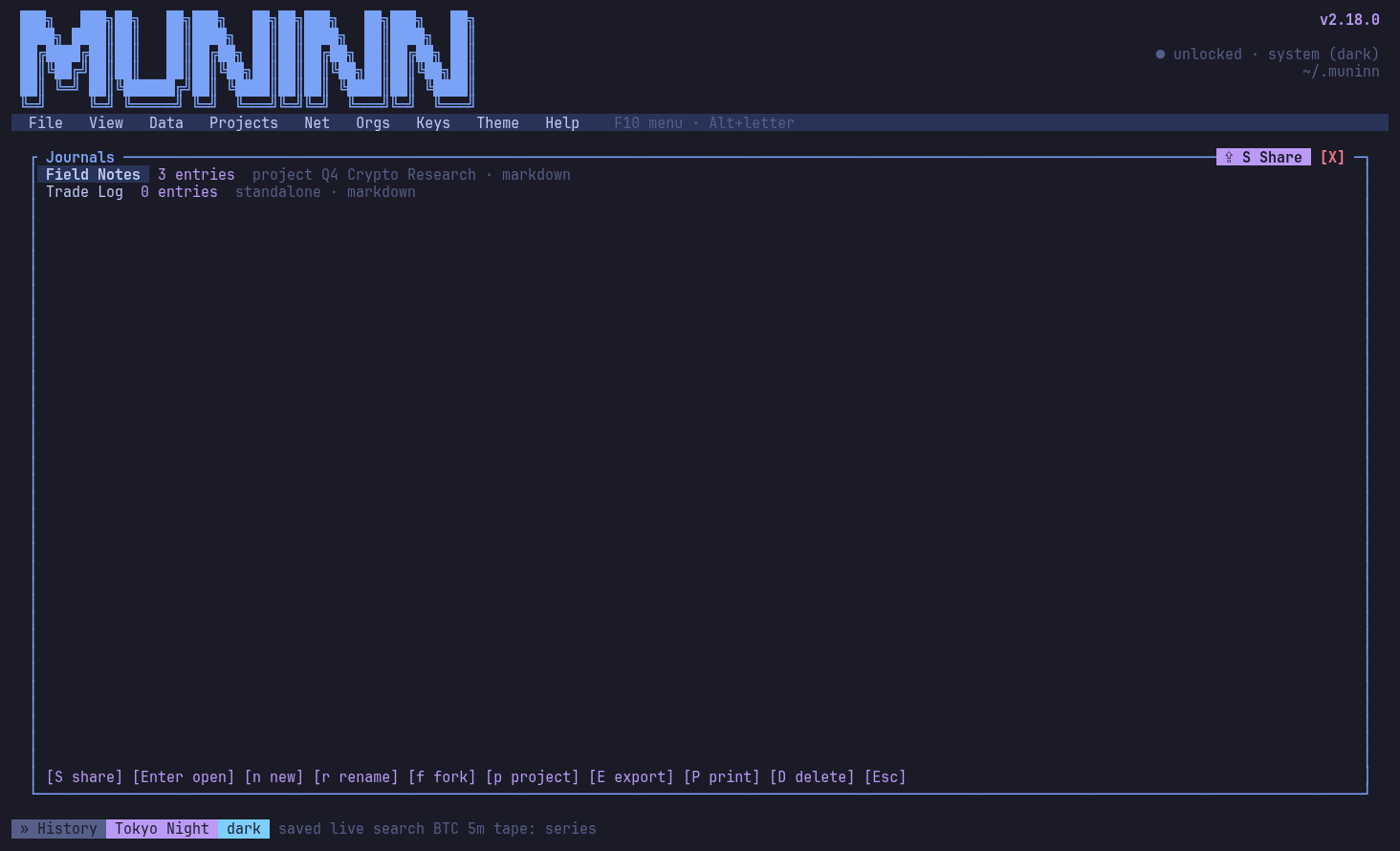
Journals with their entries
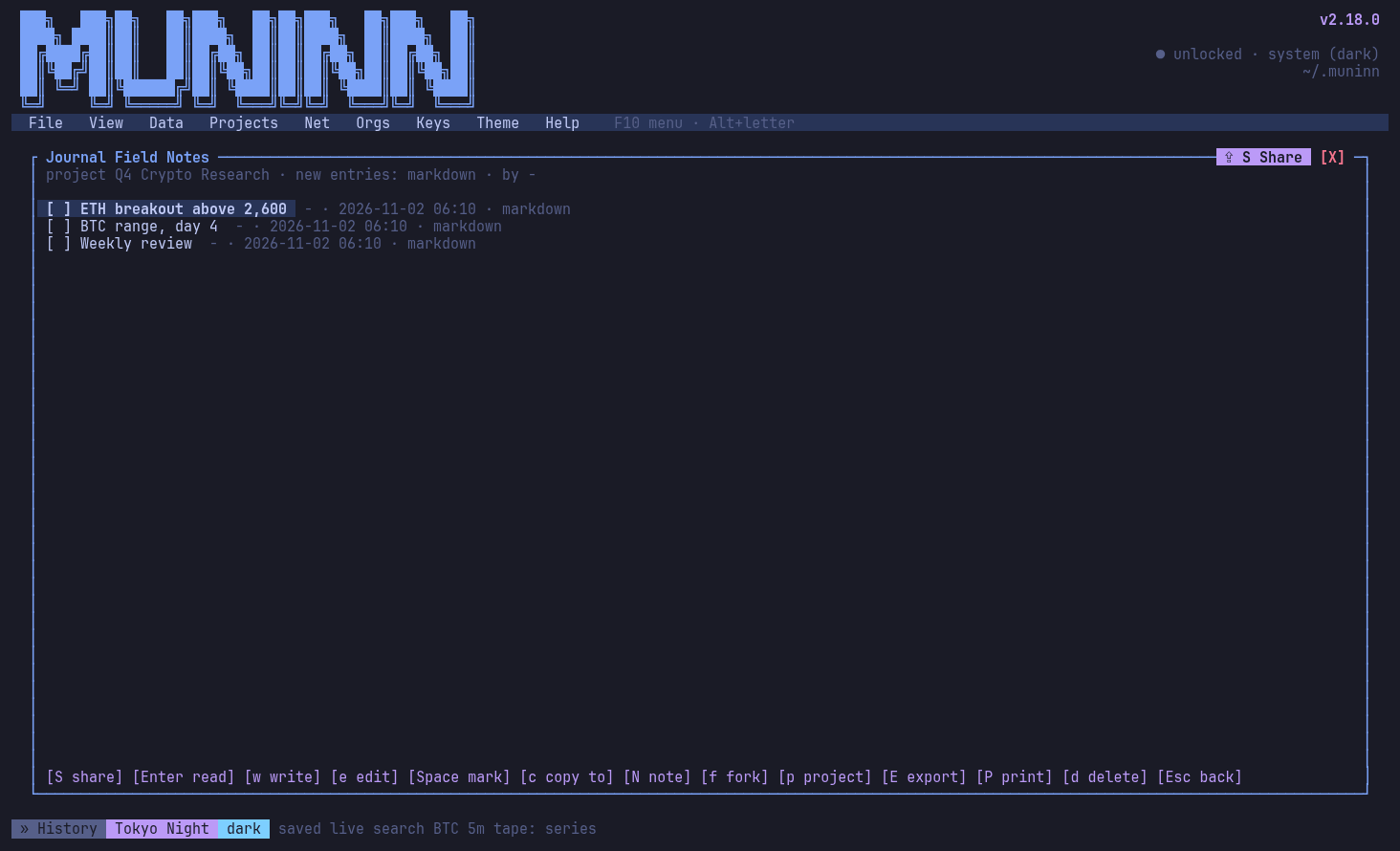
A journal's entries in Markdown
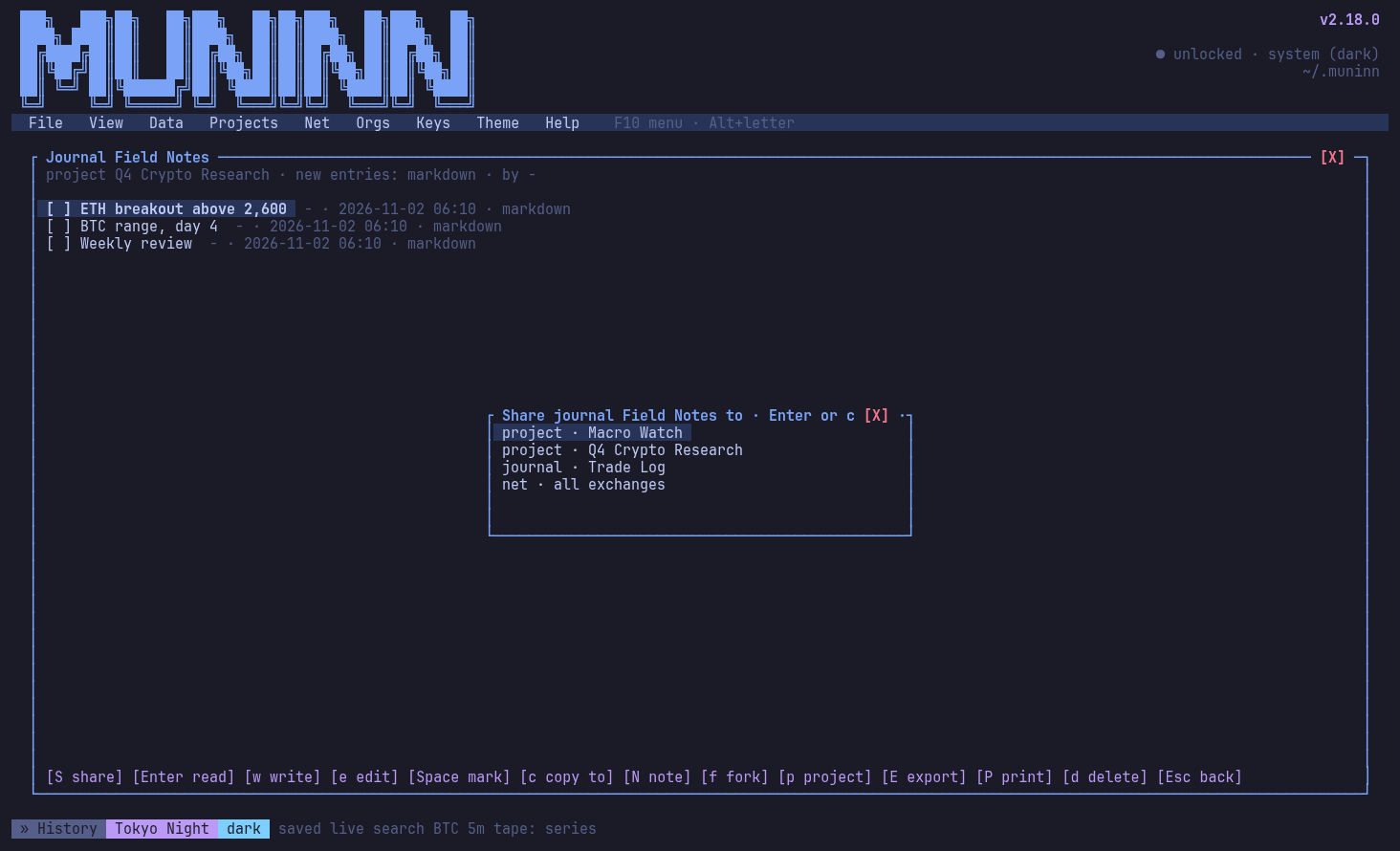
Sharing a journal entry: the picker open
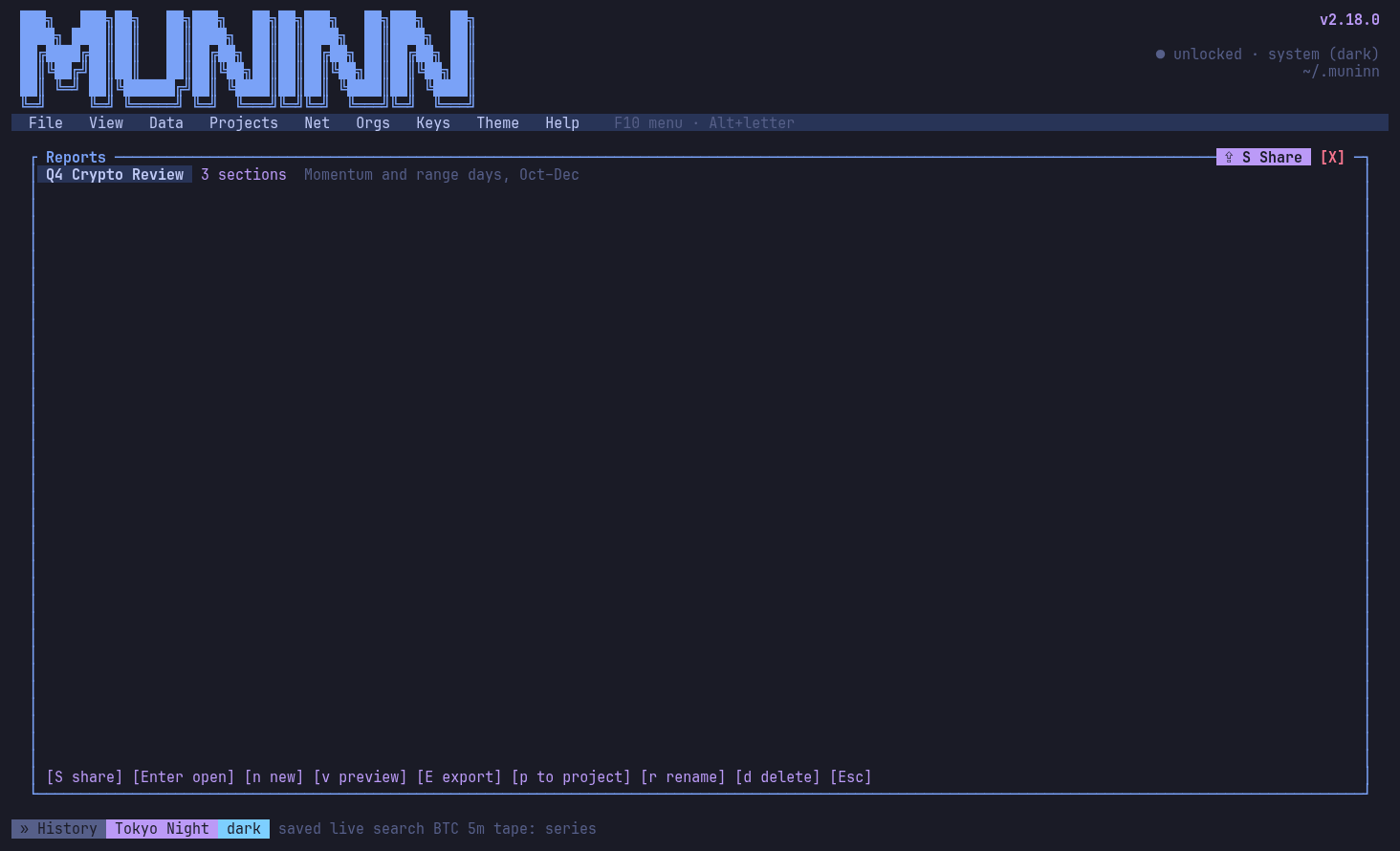
Reports: sections of text, series and journals, exported to PDF, Docx or HTML
A report's sections
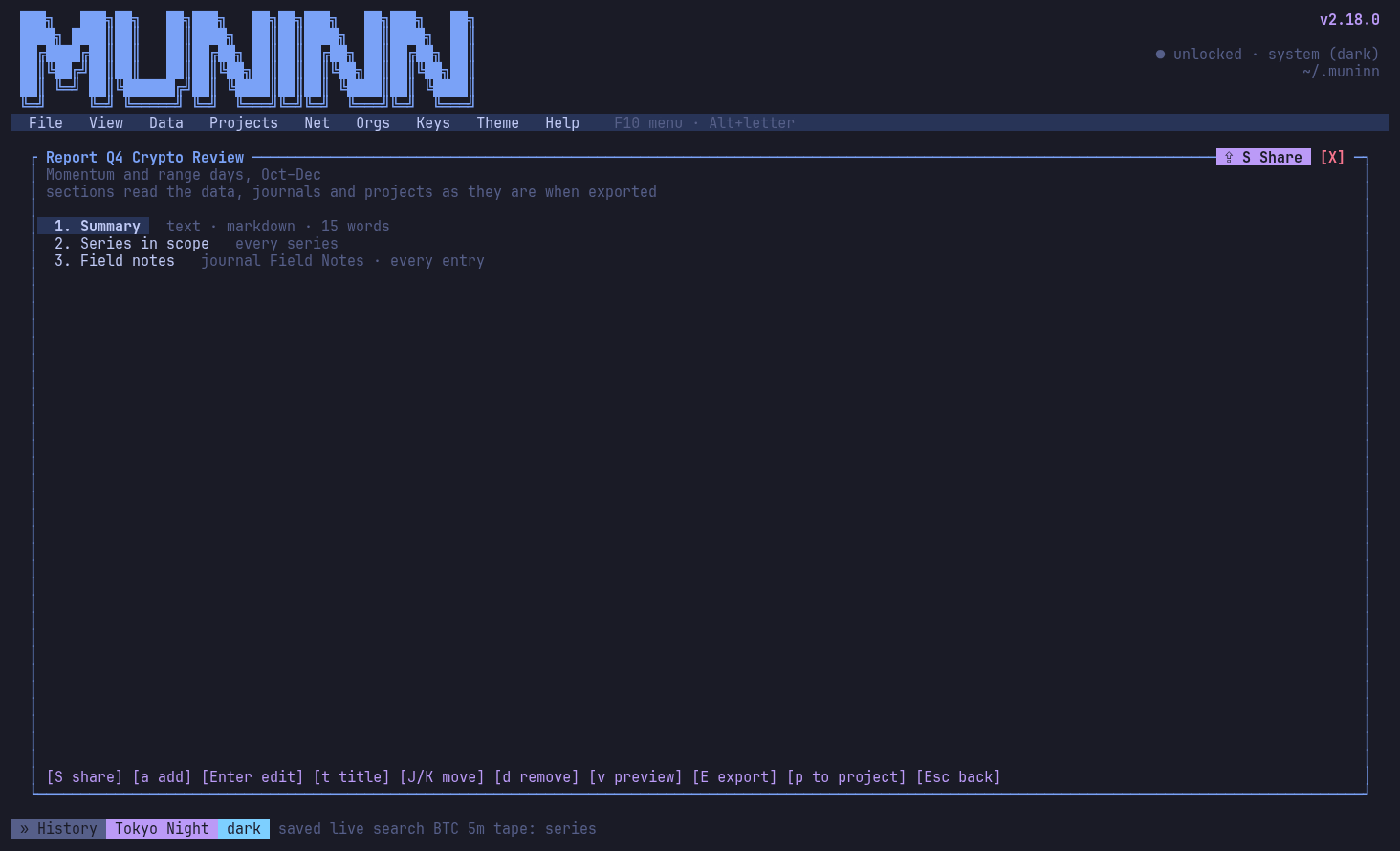
A report's sections
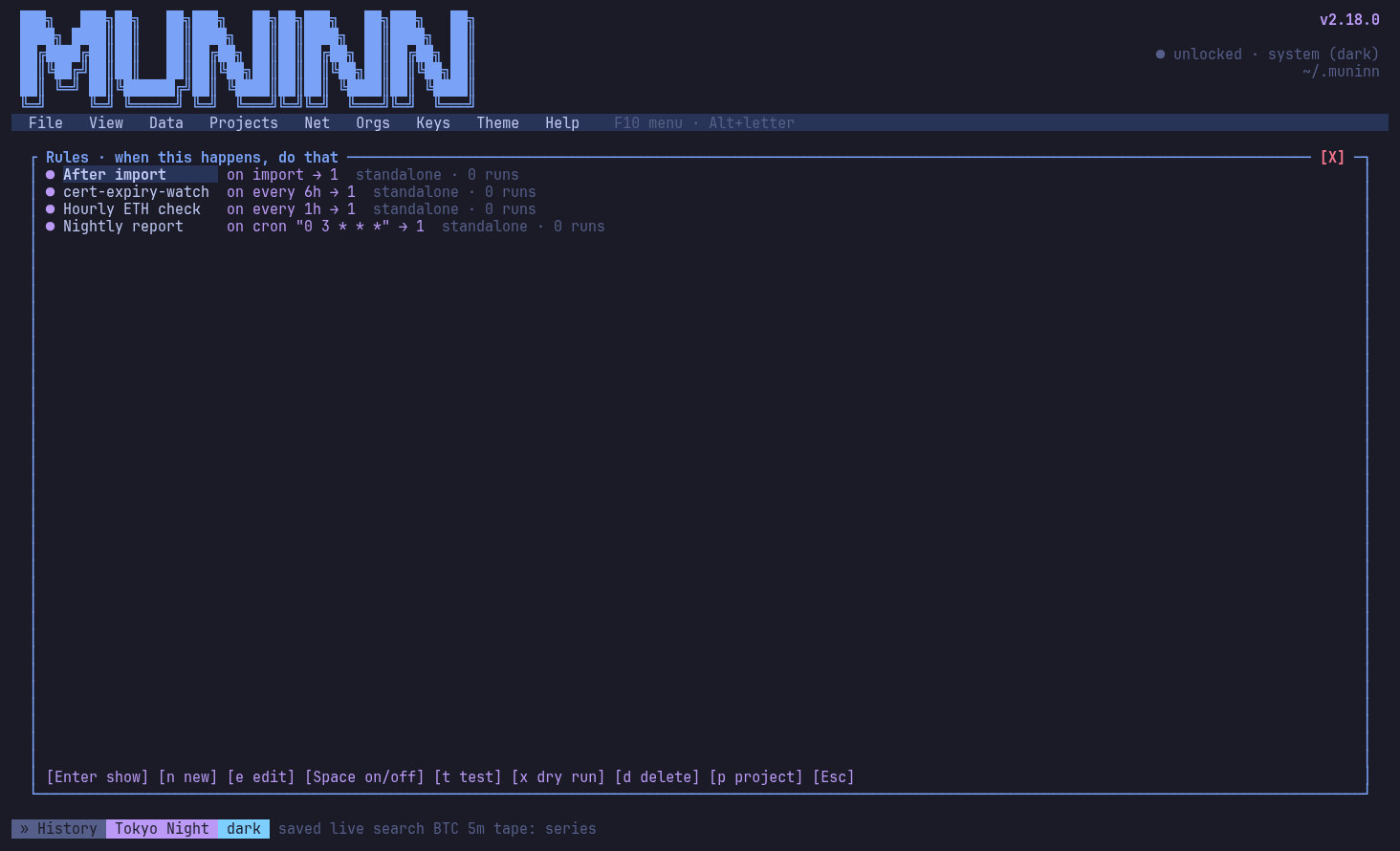
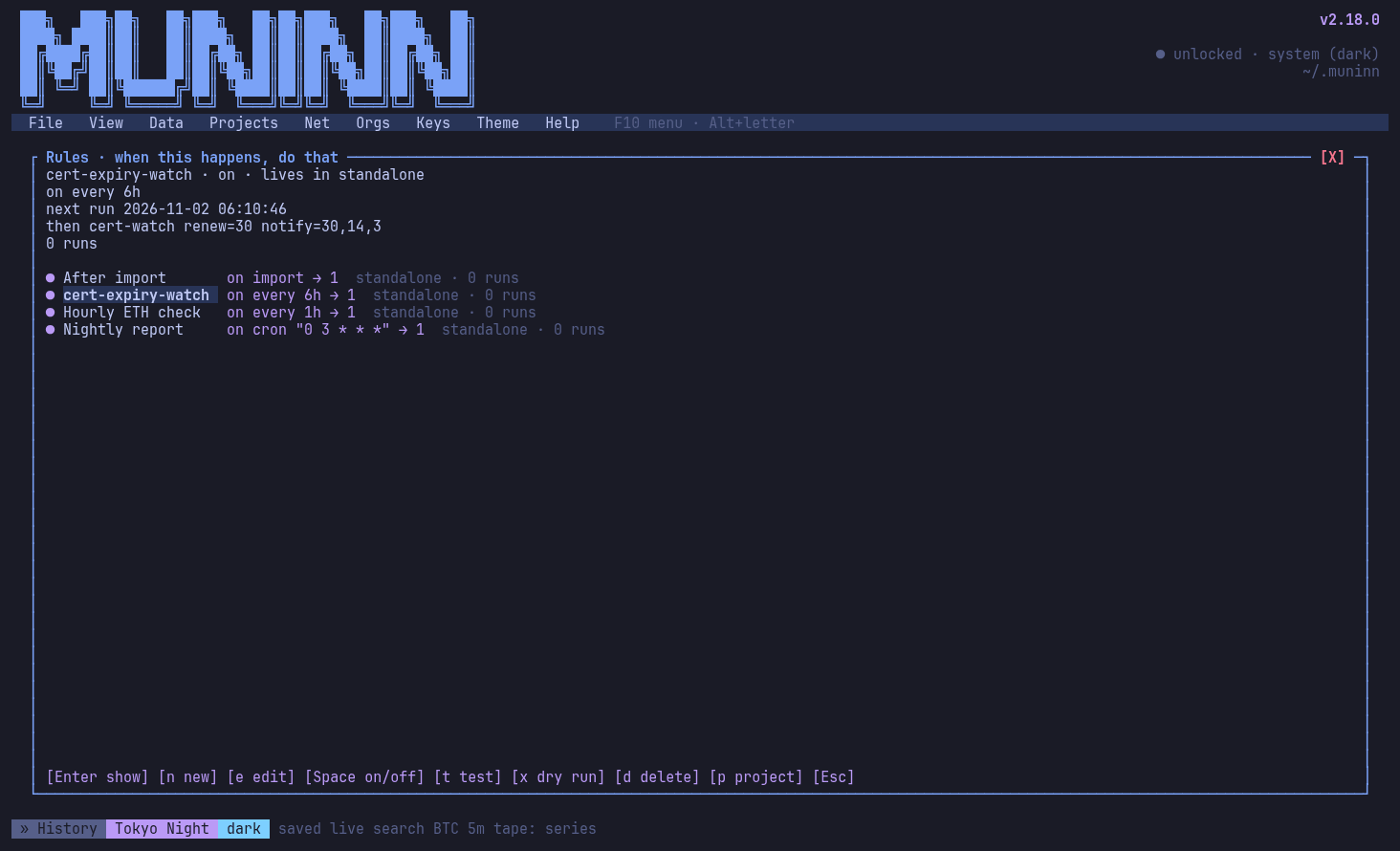
Rule sets: on actions or on a schedule (every 1h, cron), with the built-in cert watcher
A scheduled rule: its schedule, next run and then-actions
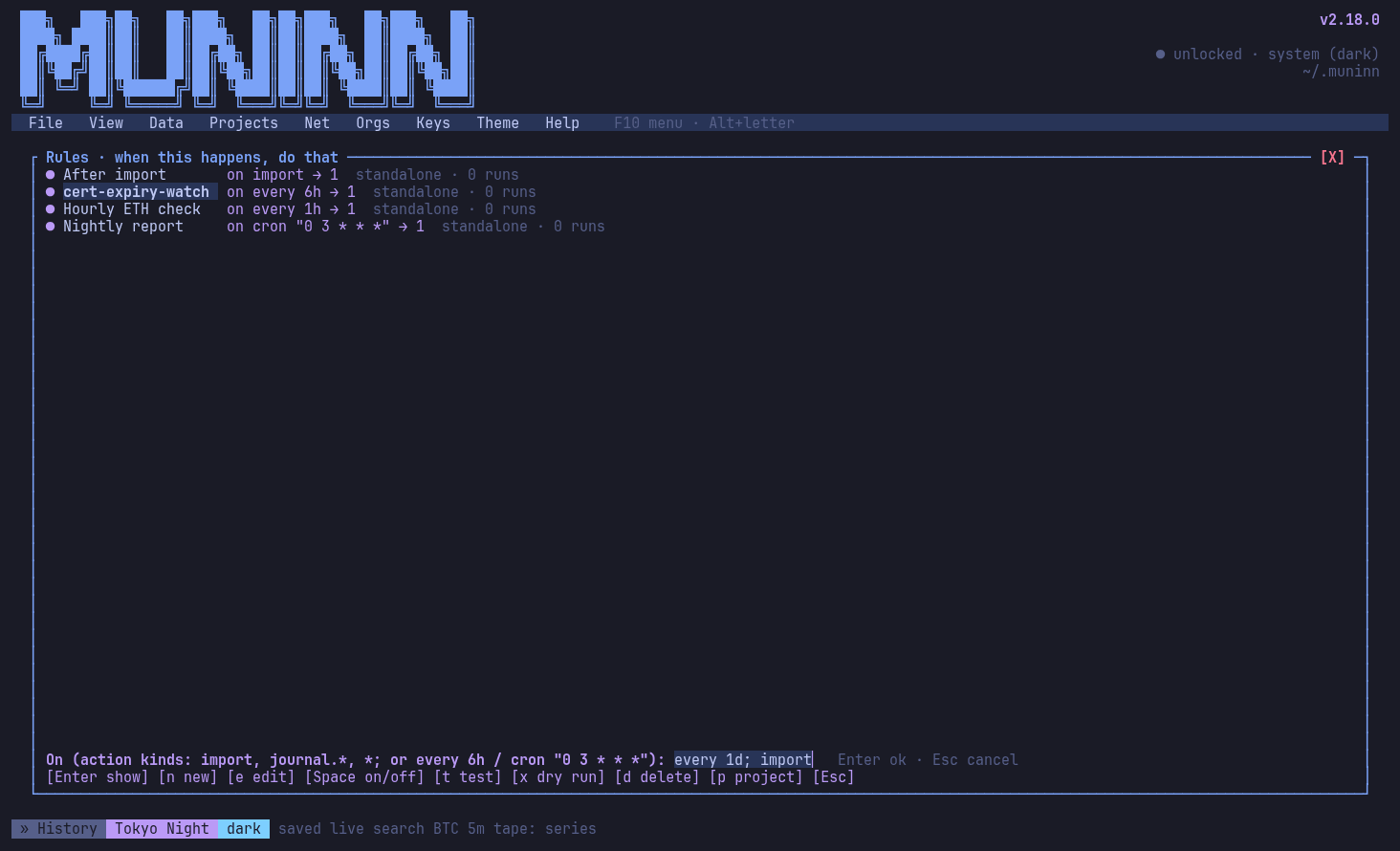
New rule, mid-action: "on" takes action kinds or a schedule
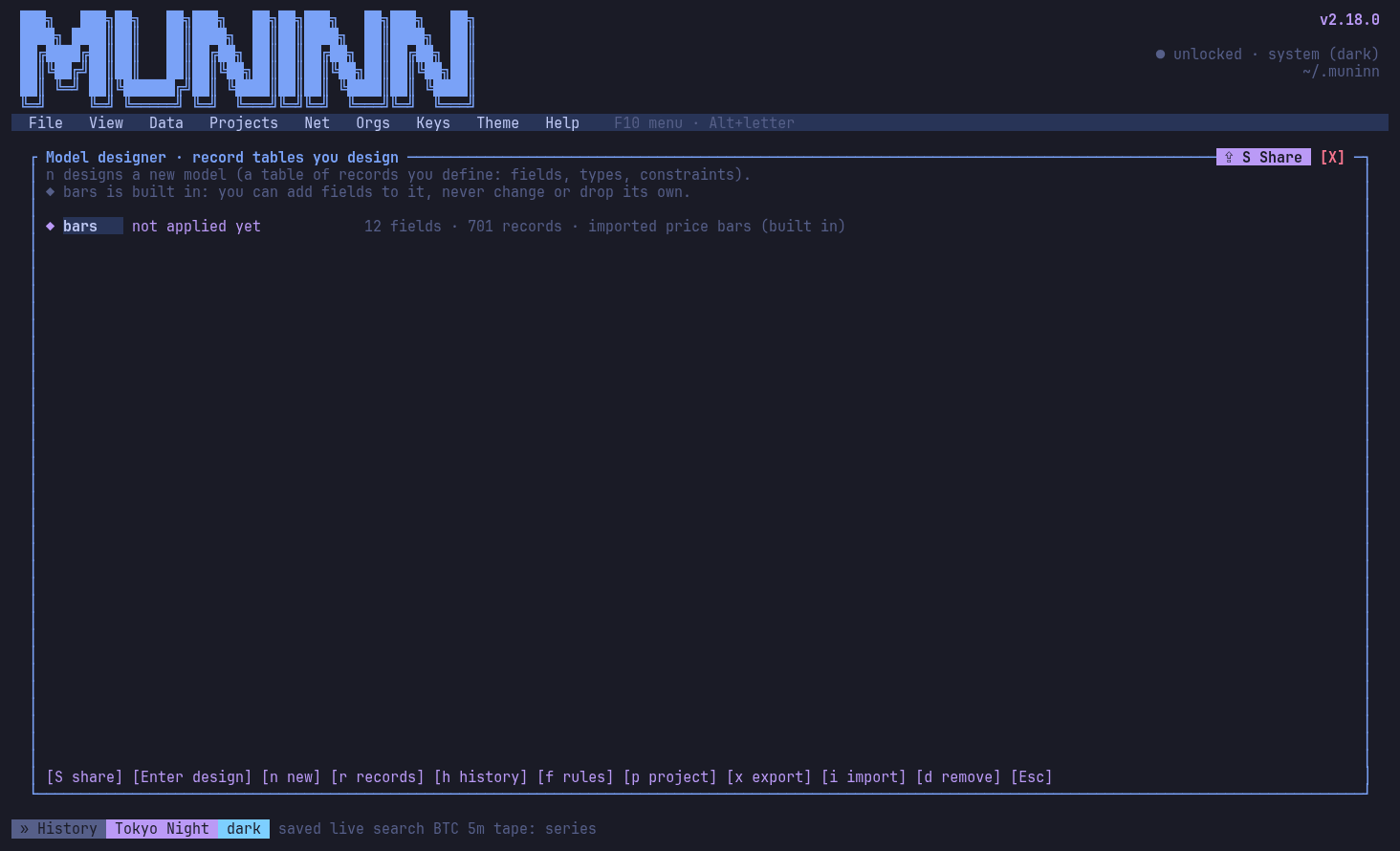
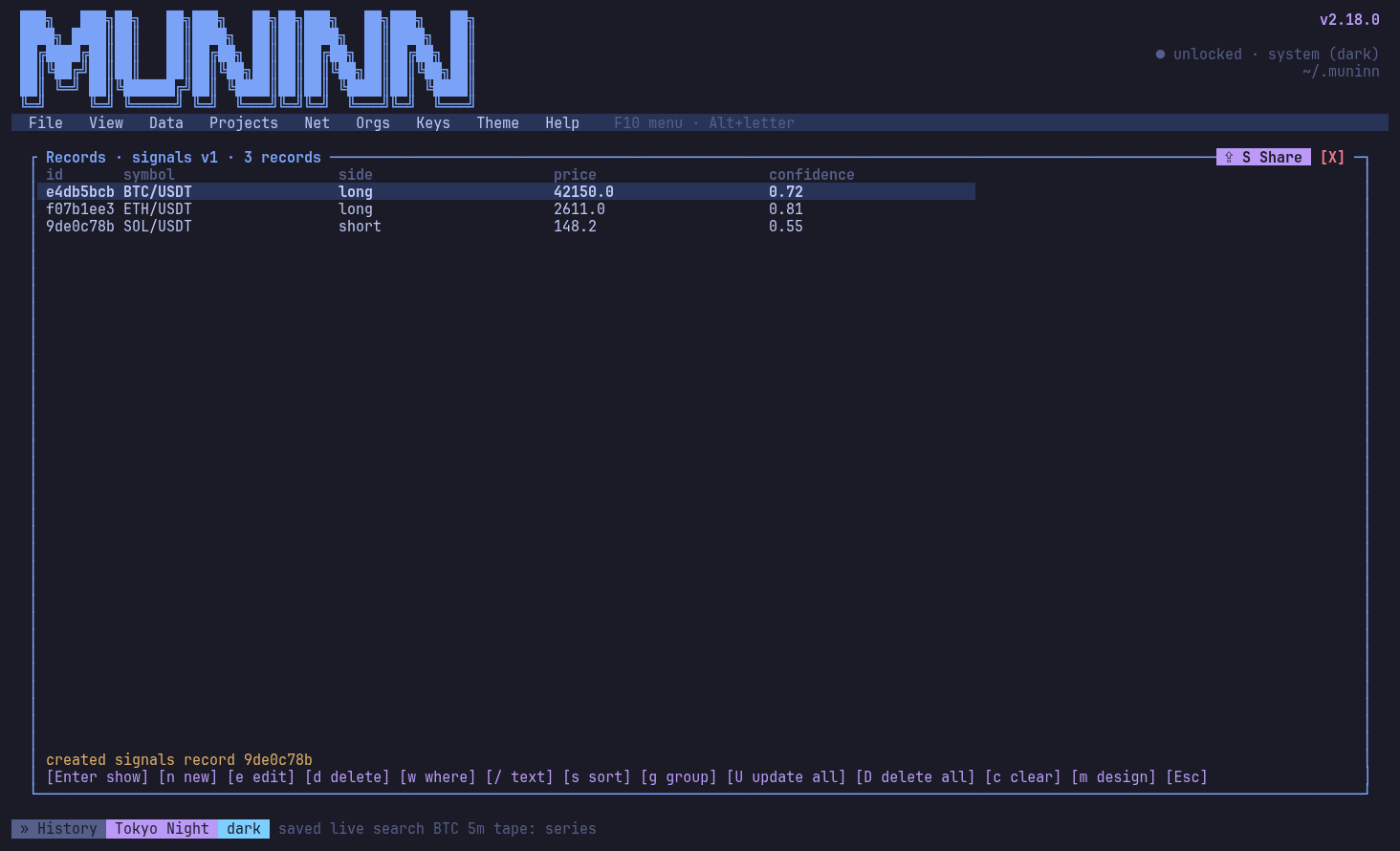
Model designer: models, the built-in bars model among them
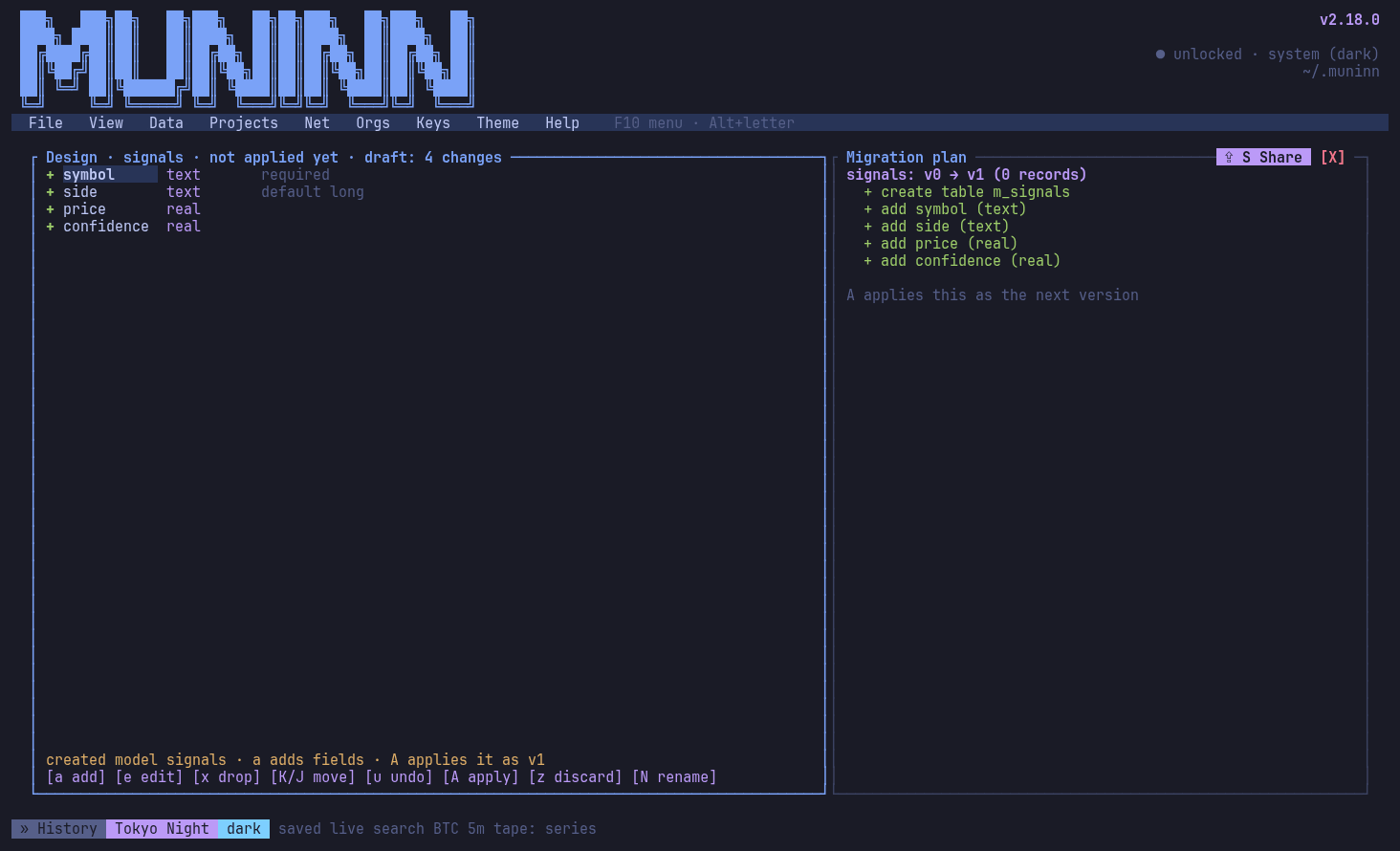
Designing a model: the migration plan before apply
Records of the new model
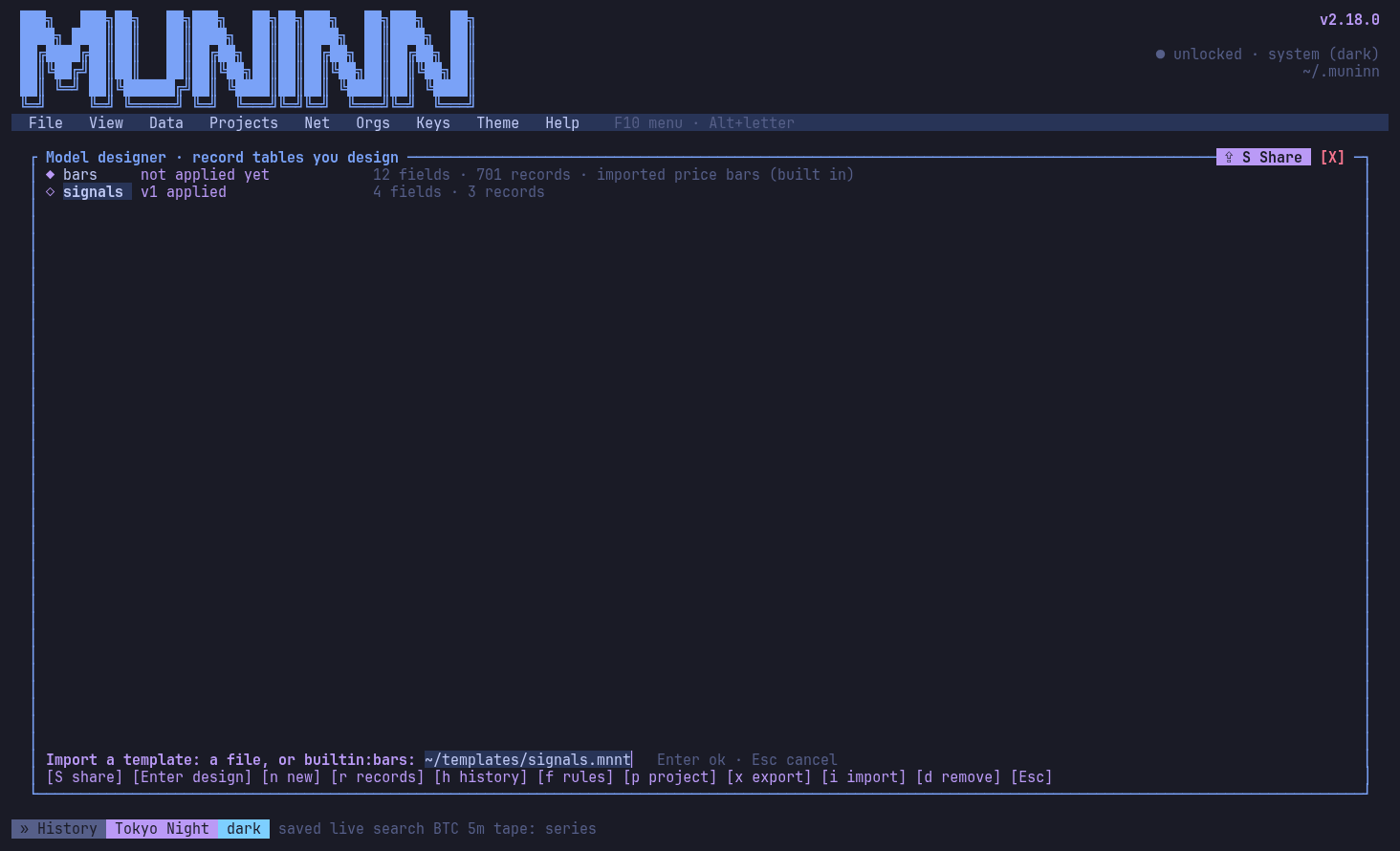
Model templates, mid-action: importing a design (planned first, rename or merge)
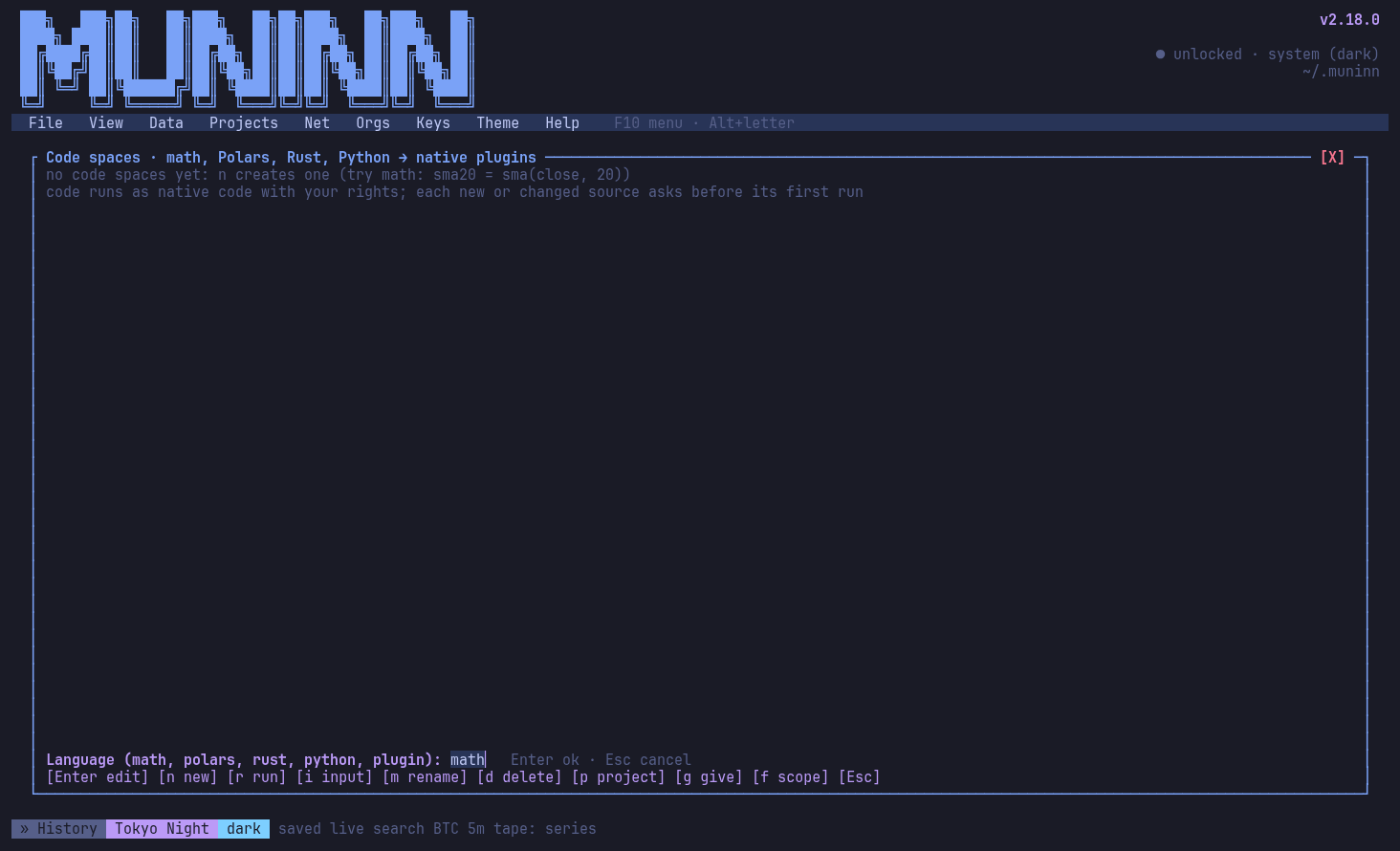
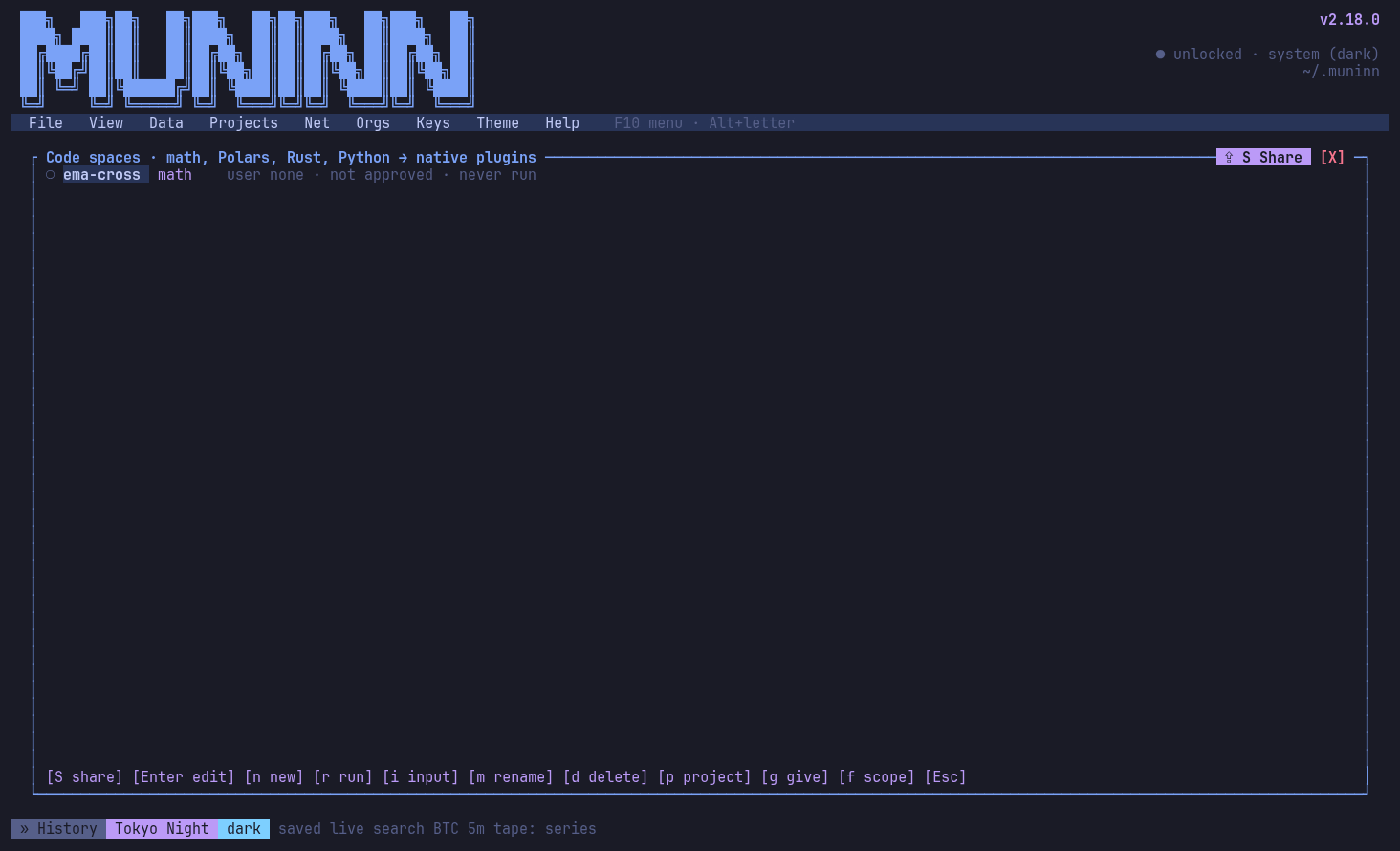
New code space, mid-action: choosing a language (math, Polars, Rust, Python)
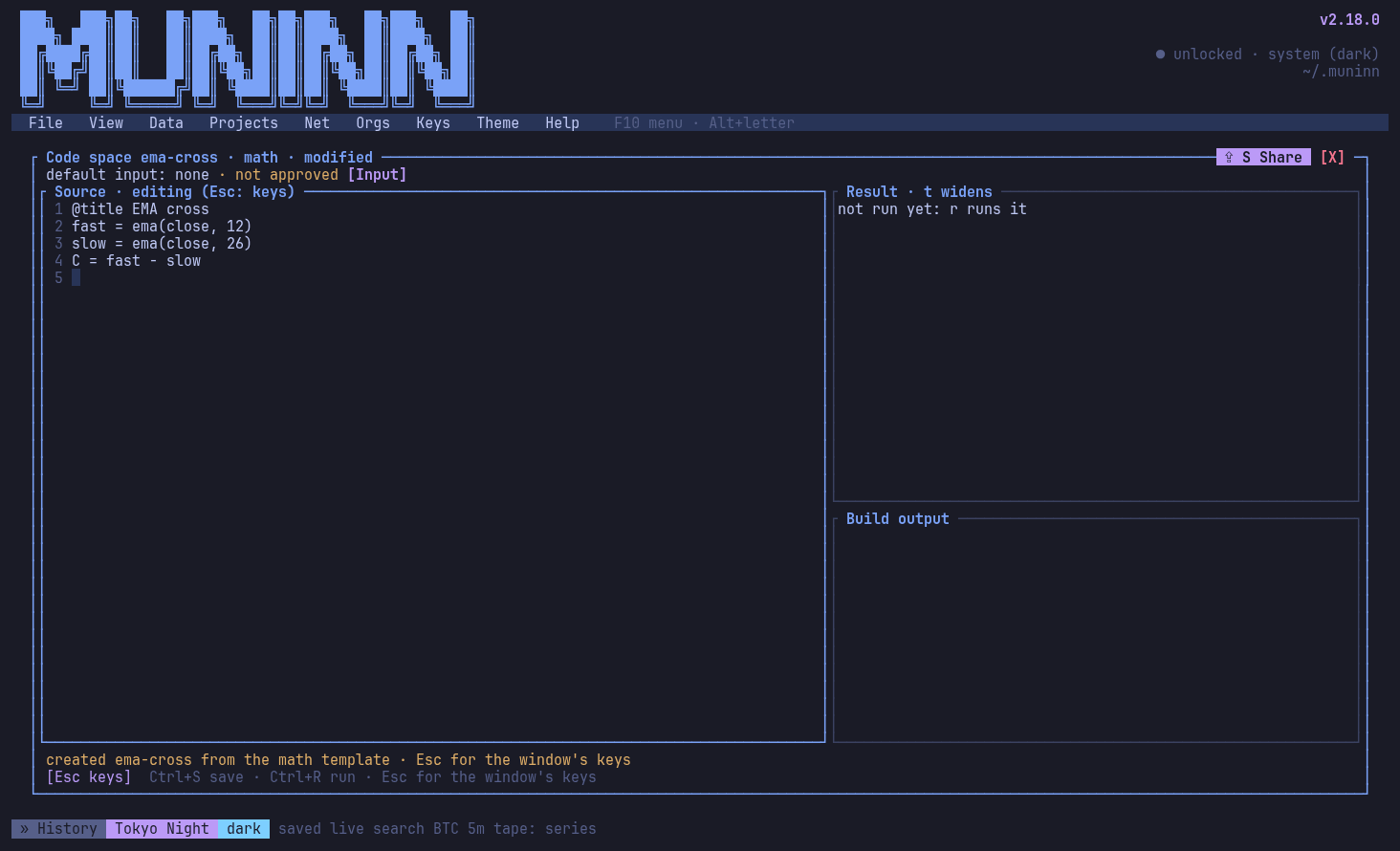
Editing a code space
Code spaces and their scope
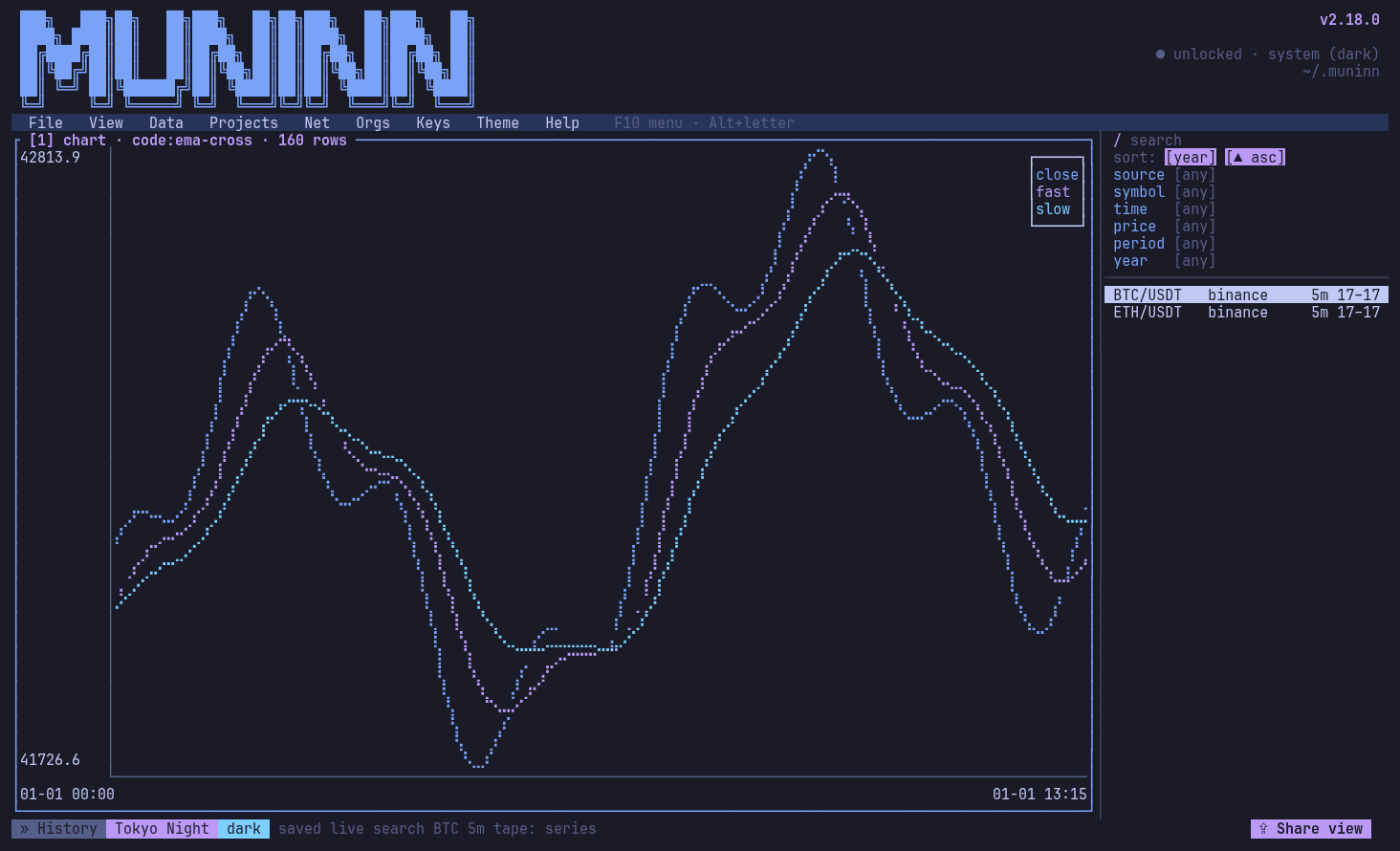
A code space's result as a live chart tile beside the series
cat ticks.csv | mnnn pipeline run feed -: three views as three live columns
The pipeline monitor: each node's status, rows, rate and what landed
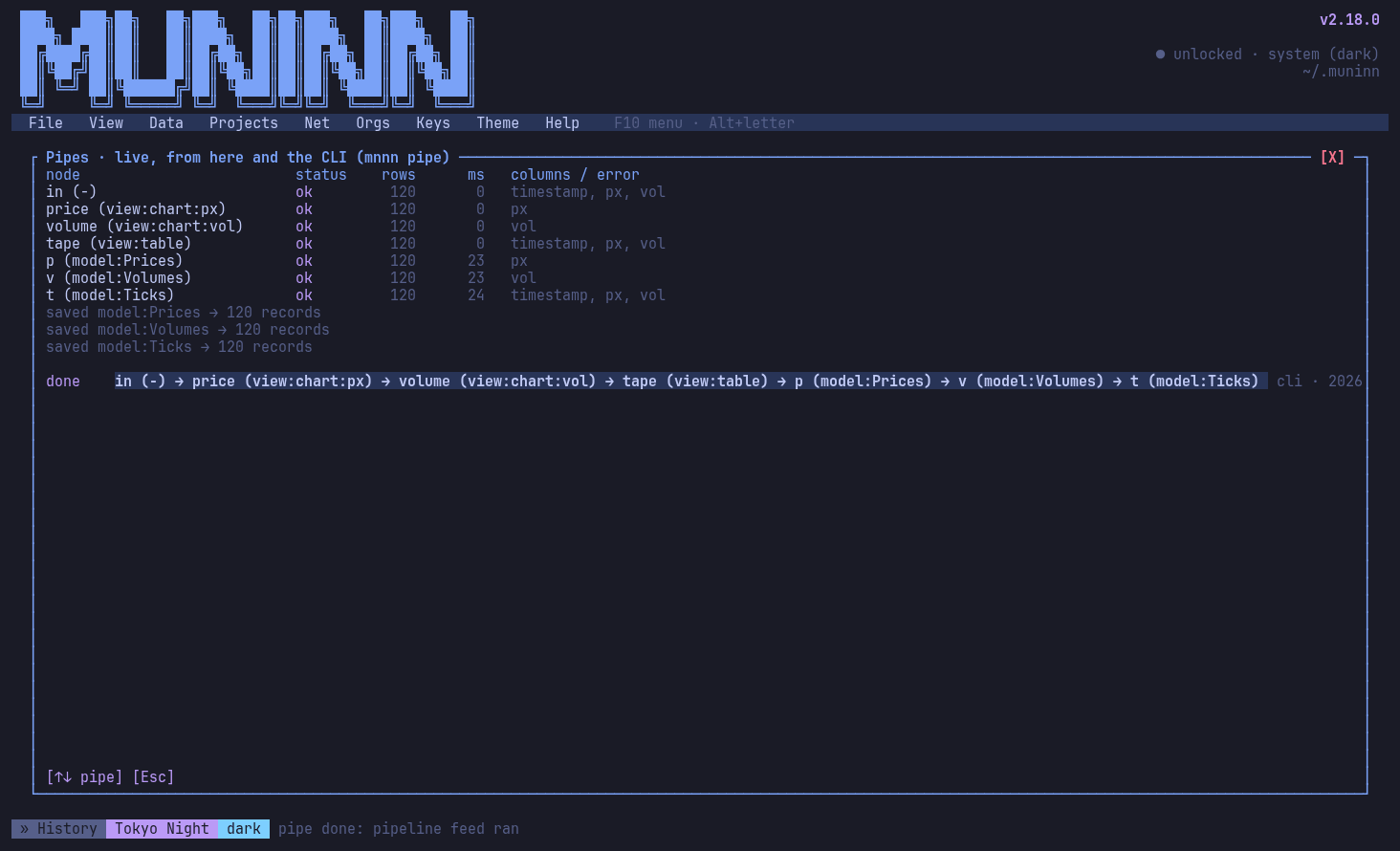
Pipes: data from stdin or any search through code spaces, followed live
The pipeline designer: a graph of sources, code, views and model tables
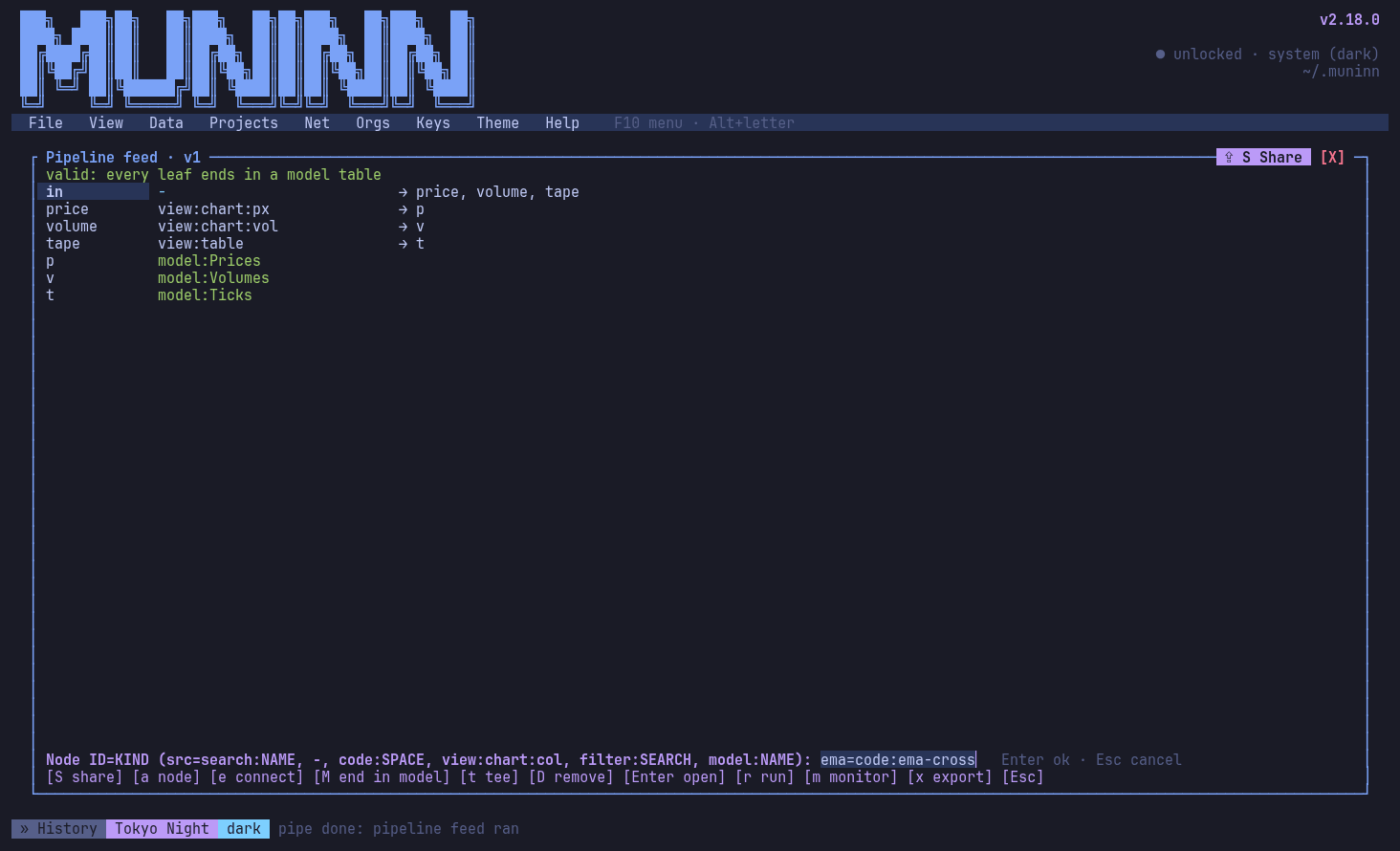
Pipeline designer, mid-action: adding a code node
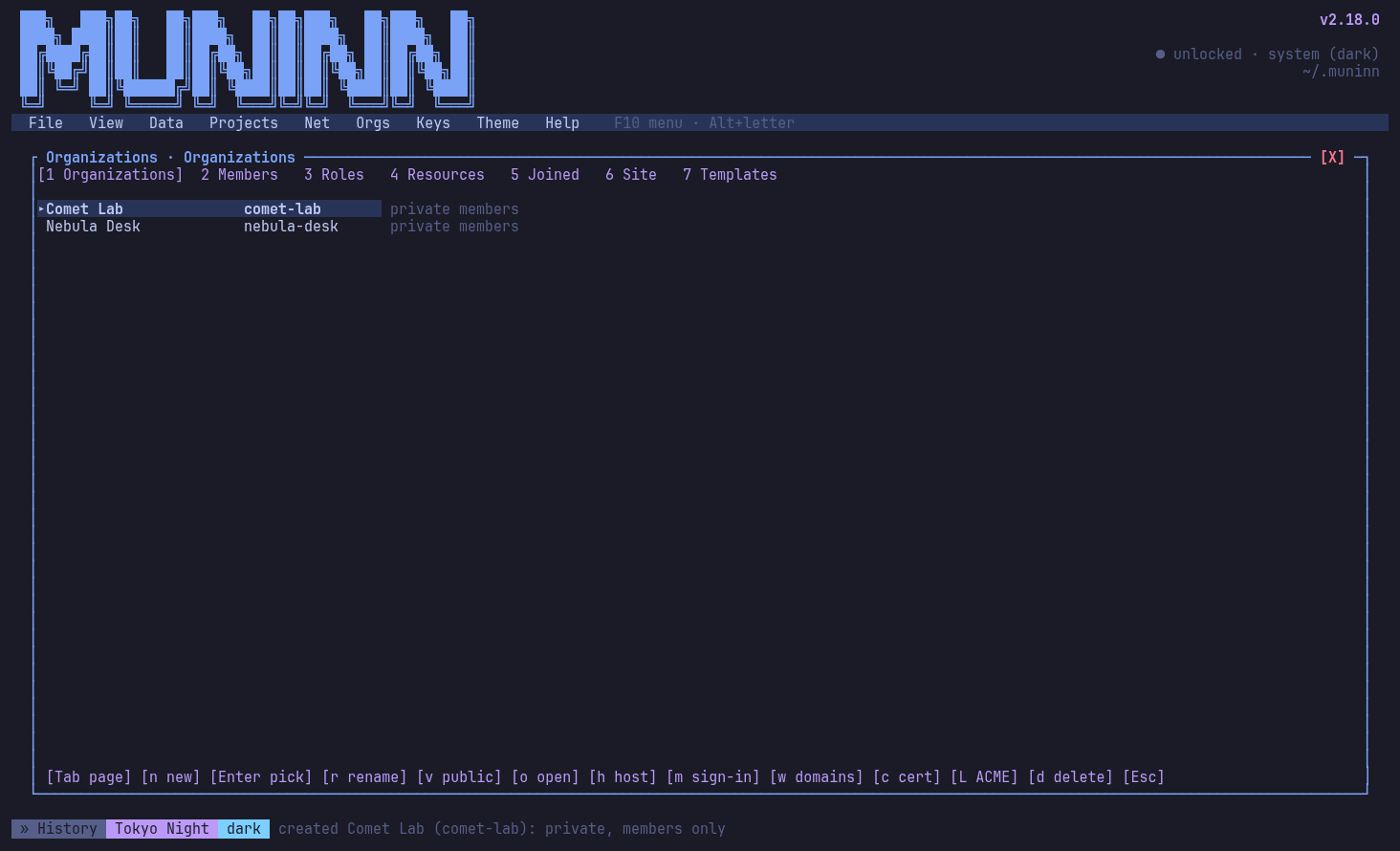
Organizations: visibility, access, hosting, domains (w), certificate (c), ACME (L)
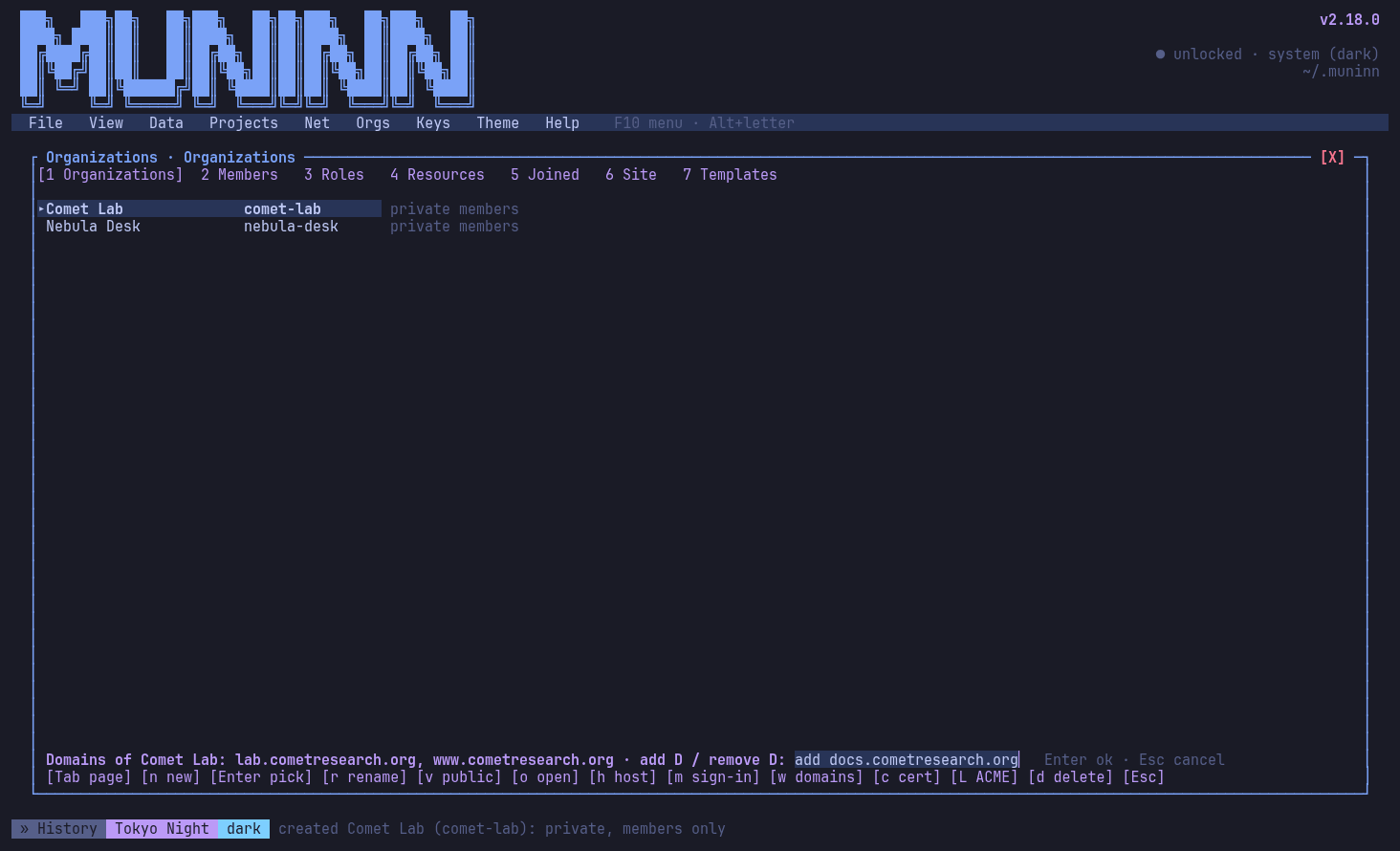
Org TLS, mid-action: adding a domain
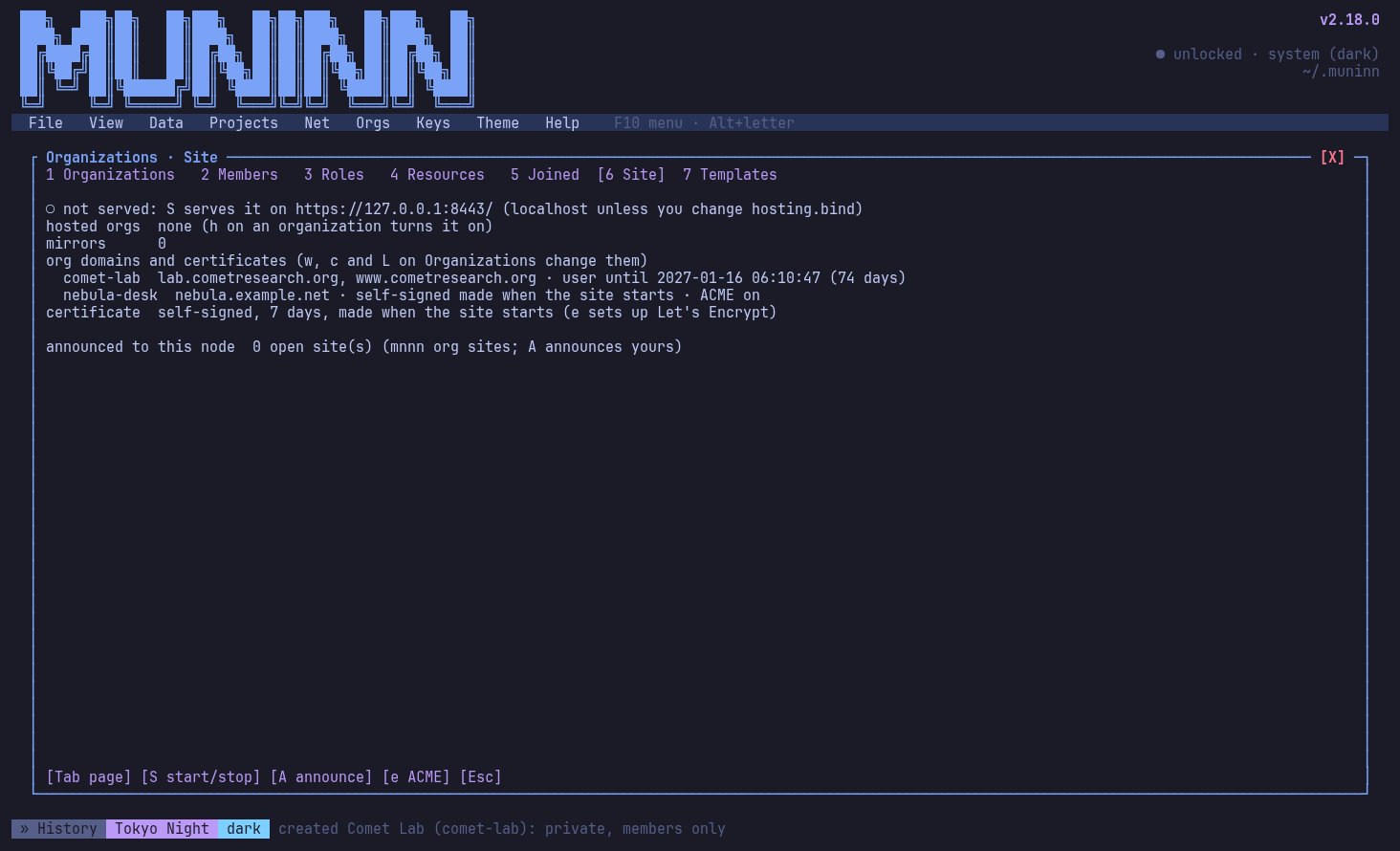
The org site: each org's domains and certificate (yours, Let's Encrypt or self-signed)
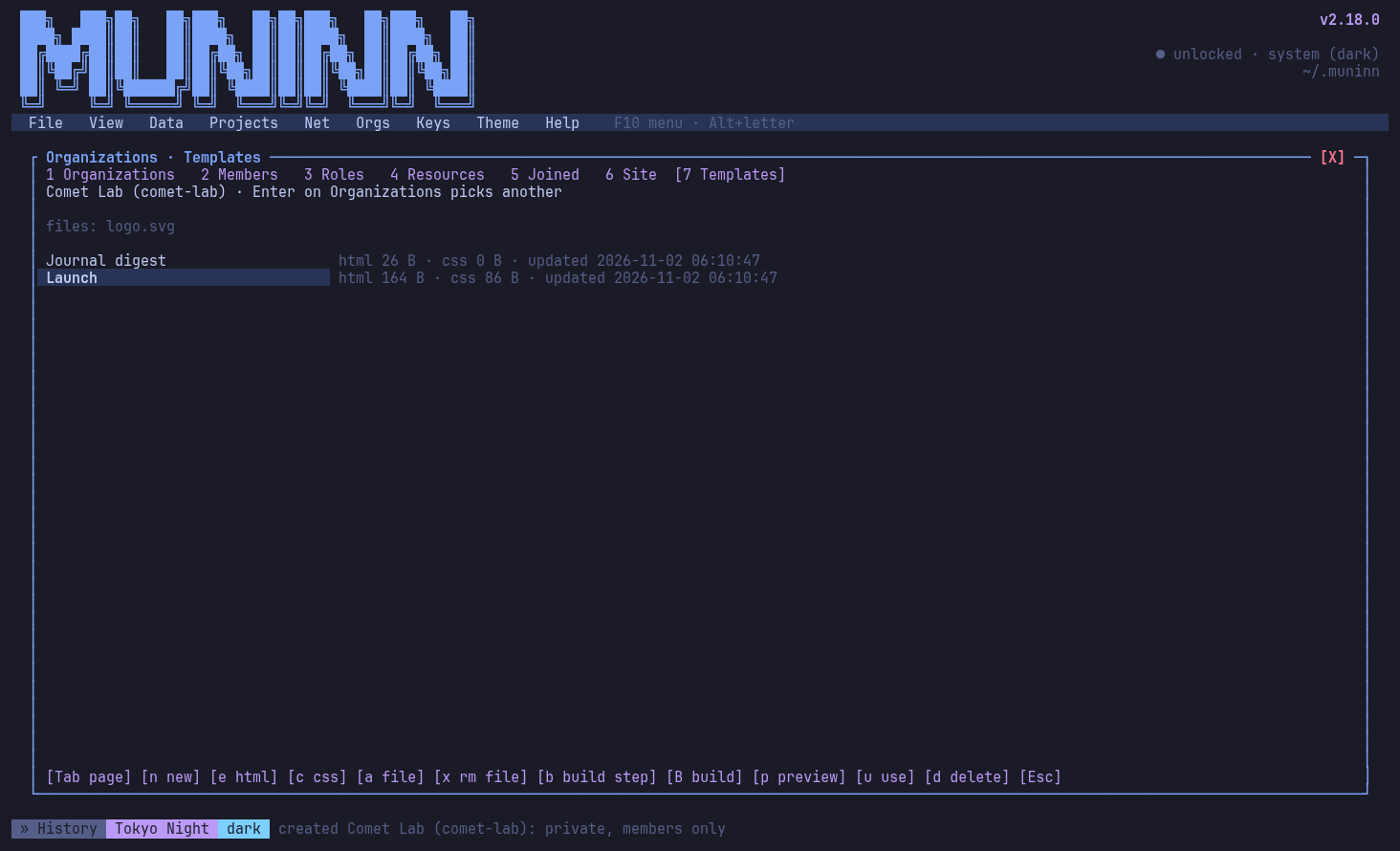
Org site templates: edit HTML and CSS (e), files, previews (p) and build steps (b)
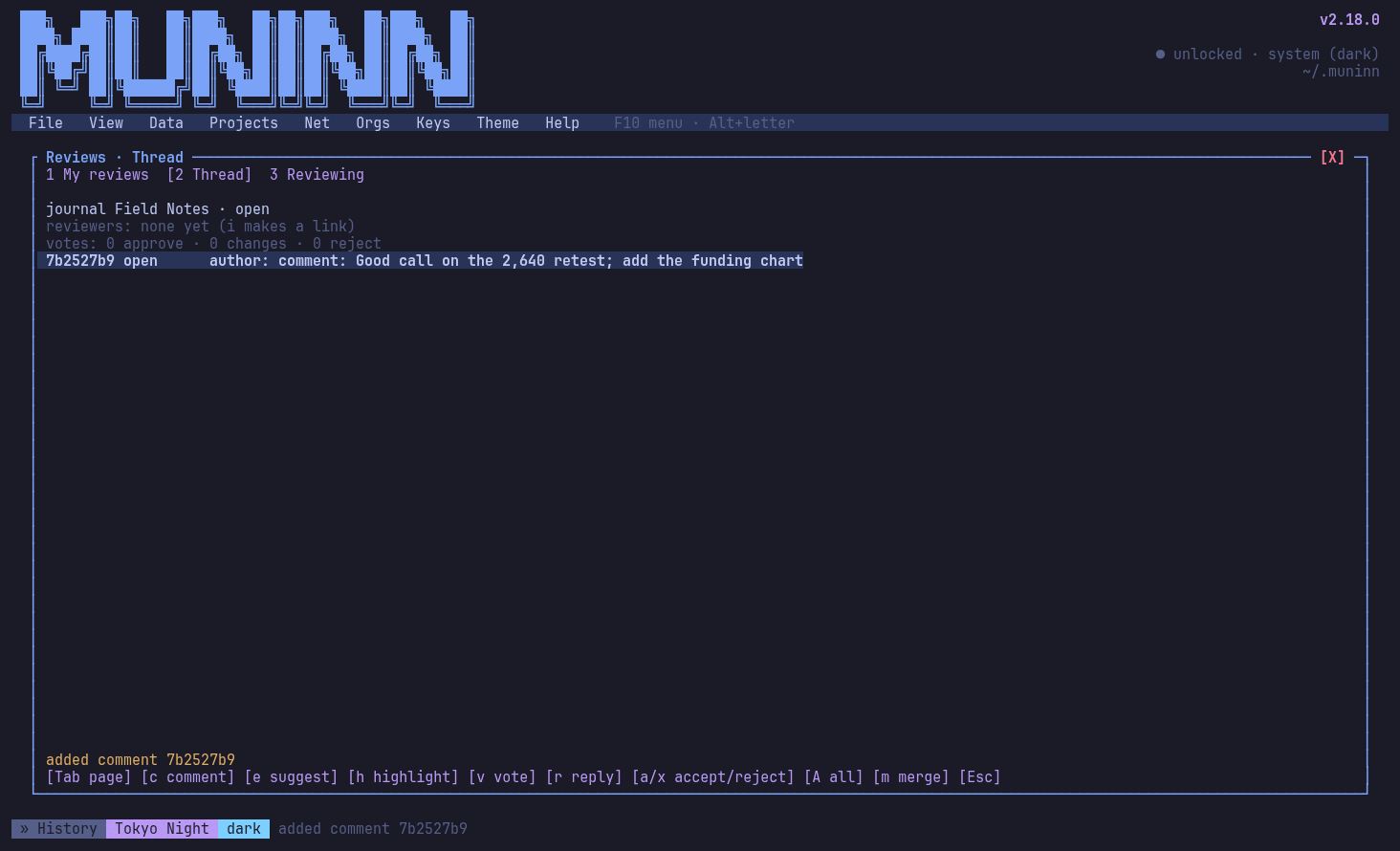
Reviews: comments, suggestions, highlights and votes on shared work
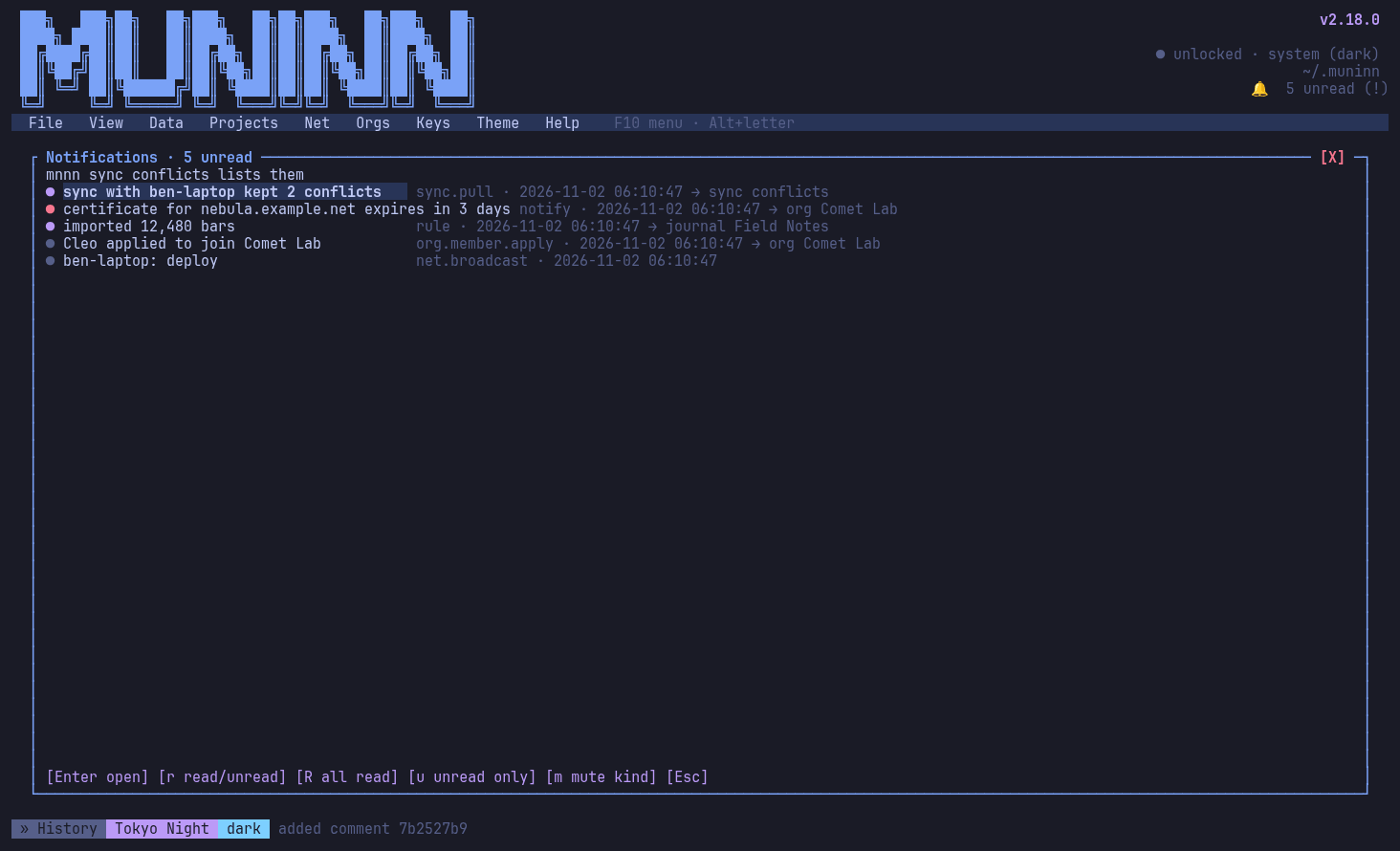
Notifications: the header bell (!) and what events, rule sets and broadcasts told you; Enter opens the context
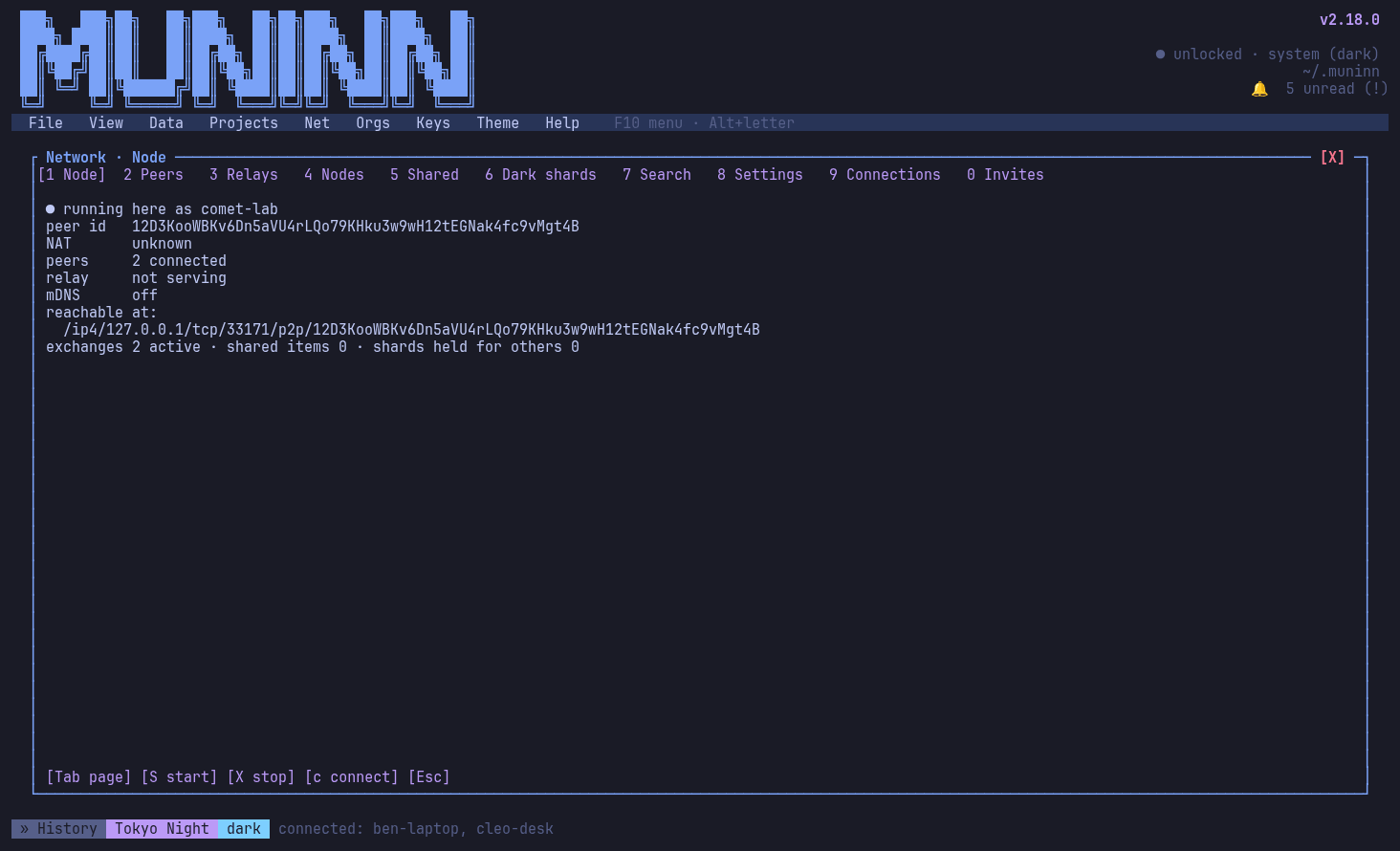
The network: this node, relays, connections and shares, end to end encrypted
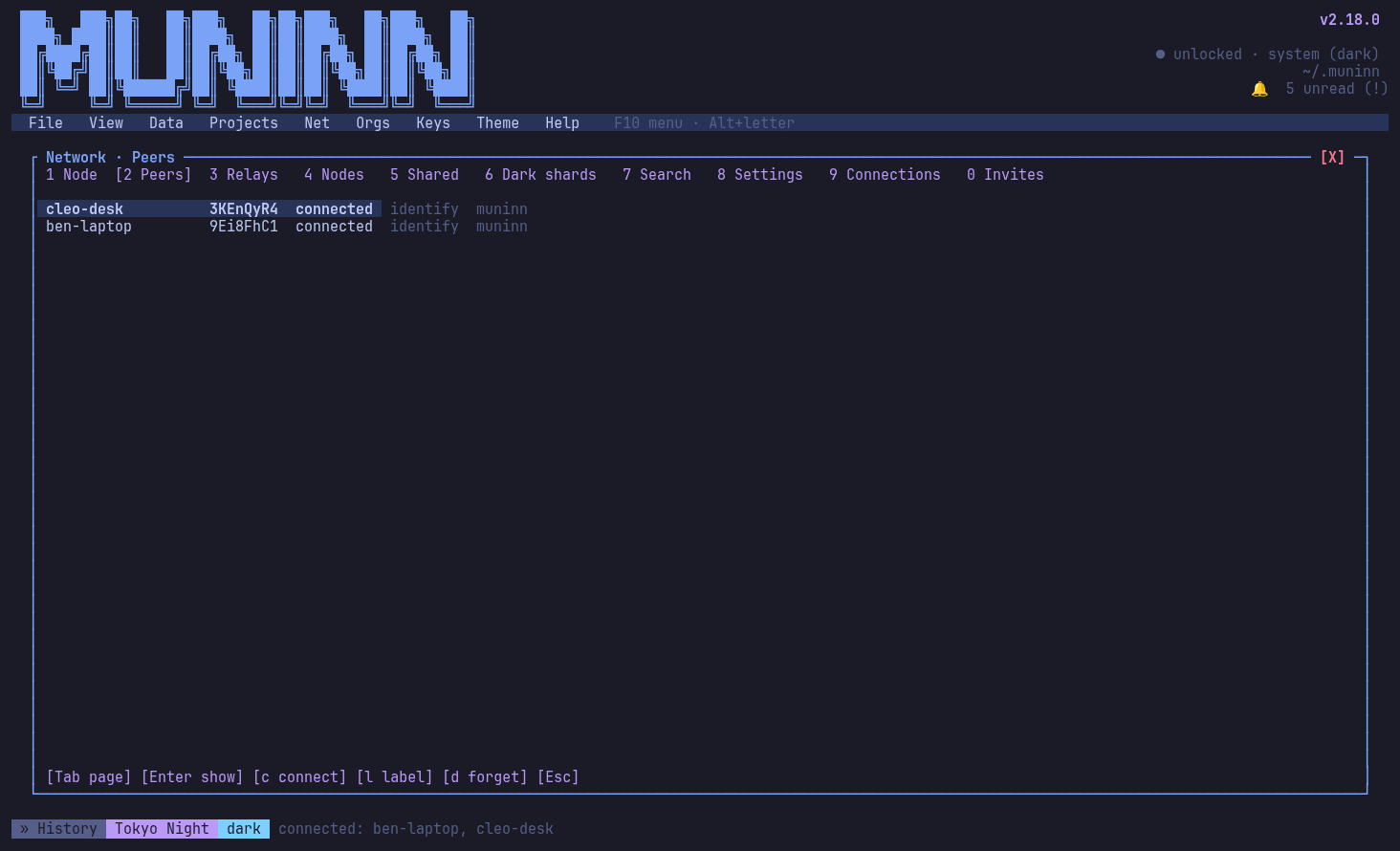
Peers: nodes seen nearby and through relays
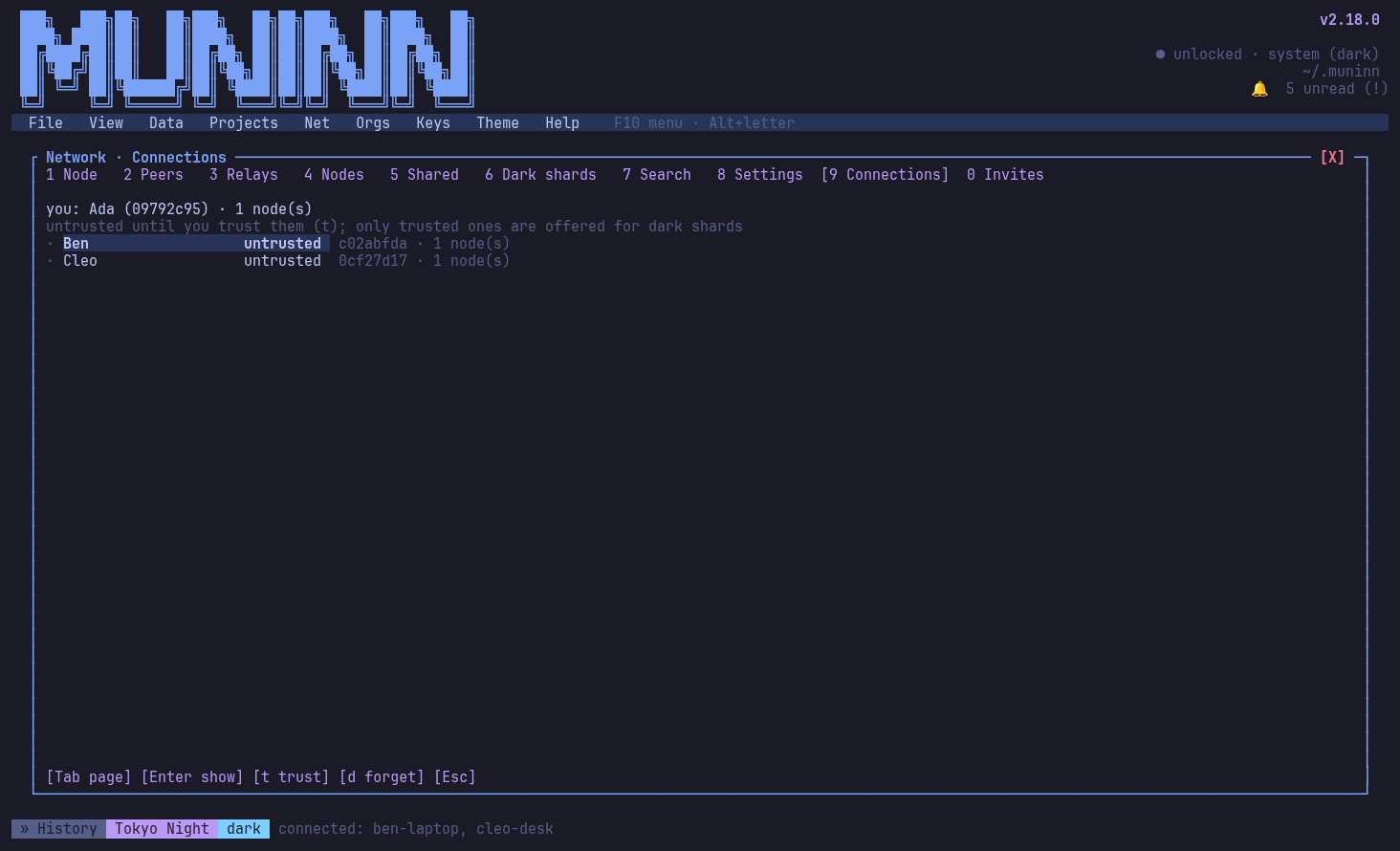
Connections: people you trust, made through invites

Install

Every package ships a prebuilt mnnn binary; no Rust toolchain is needed. Downloads and SHA256SUMS are on the releases page. Full steps, uninstalling and building from source: docs/install.md.

Release tarball (Linux, macOS)

tar -xzf muninn-2.18.0-x86_64-unknown-linux-gnu.tar.gz
install -Dm755 muninn-2.18.0-x86_64-unknown-linux-gnu/mnnn ~/.local/bin/mnnn

Debian / Ubuntu

sudo apt install ./muninn_2.18.0-1_amd64.deb

Fedora

sudo dnf install ./muninn-2.18.0-1.x86_64.rpm

Arch Linux

sudo pacman -U muninn-bin-2.18.0-1-x86_64.pkg.tar.zst

Homebrew (macOS, Linux)

tar -xzf muninn-2.18.0-packaging.tar.gz
brew install ./packaging/homebrew/muninn.rb

Windows (winget)

tar -xzf muninn-2.18.0-packaging.tar.gz
winget install --manifest packaging\winget\2.18.0

Your data stays in ~/.muninn (or MUNINN_HOME); installing or uninstalling never touches it.

Docs

The same pages are in the app: mnnn help or ? in the TUI, and man pages for every command.